A video testimonial is a short video where a real customer describes their experience with your product. To use them well, collect videos with a recording link, keep each one between 40 and 90 seconds, get a signed release form, and place them where buyers hesitate. Track watch time and conversion lift to see which stories sell.
Introduction
Video testimonials are one of the most trusted forms of social proof you can collect. They show real customers, in their own words, talking about your product or service.
People today want proof, not just promises. They want to hear real stories from real users who’ve had an experience with a product or service. That’s why video testimonials have become one of the most trusted marketing tools.
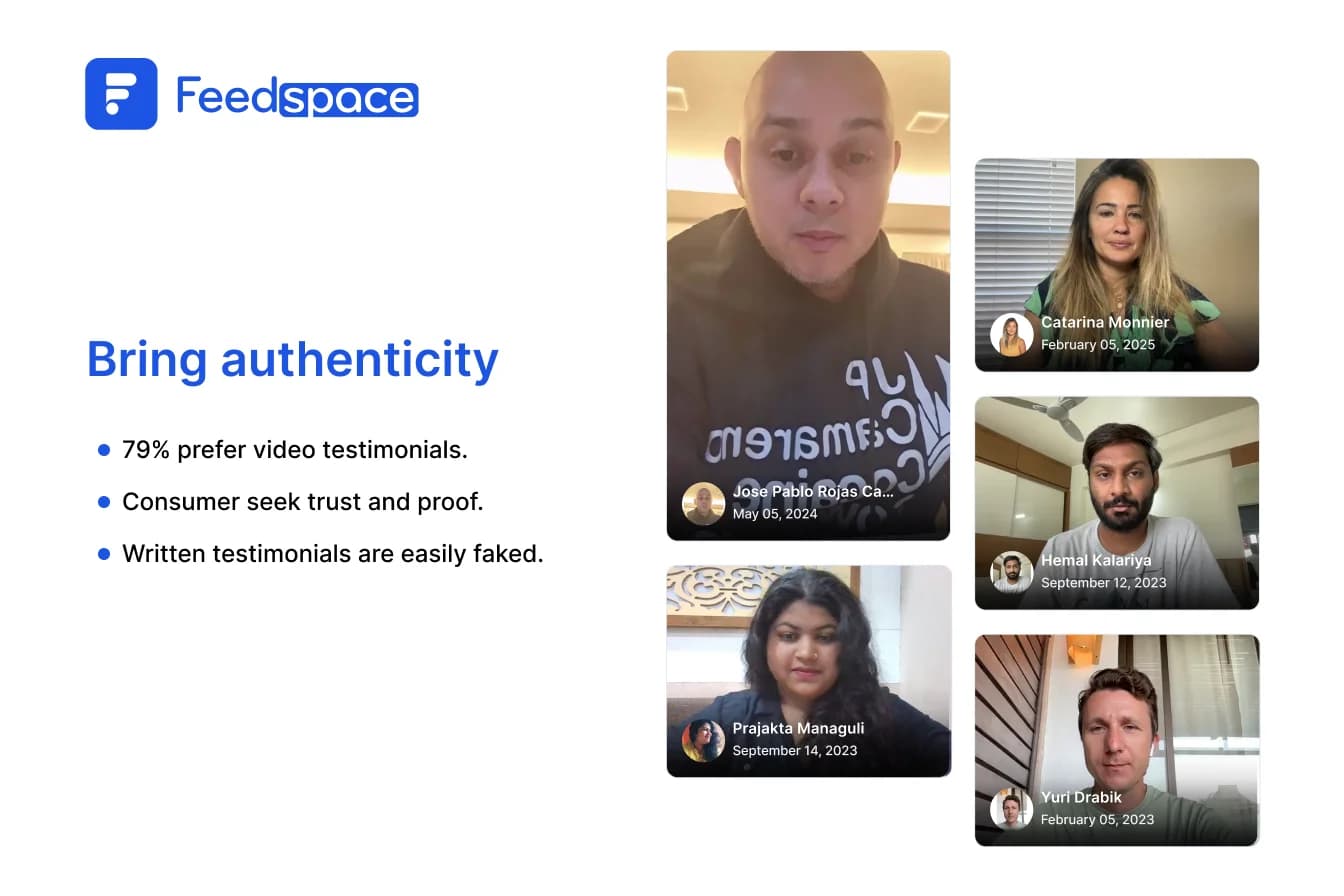
Text reviews are okay, but we all know they can feel fake or over-edited. Video, however, is raw and real. Studies show 79% of people watch video testimonials before buying, and 72% trust a brand more when they see customer videos.
Grab a coffee and let’s discover how video testimonials can give your business a boost.
What Are Video Testimonials?
A video testimonial is a short video where a happy customer talks honestly about their experience with your product.
Think of it like word-of-mouth, but in a video. Instead of just reading what someone said, your audience actually gets to see and listen to the person sharing their experience. It’s genuine and easy to relate to.
Video testimonials are a form of social proof. They help potential buyers trust your business before they ever talk to you.
Why Video Testimonials Work So Well
People trust other people more than they trust brands. This is the core reason video testimonials are so effective.
- They build trust at ease because seeing real people talk is more believable at first glance.
- They connect emotionally. Facial expressions, voice, and body language pull people in more than text.
- They tell a story. People remember stories better, and a good video walks potential customers through your customer’s journey.
- They help with SEO. Having testimonials on your site can improve your rankings and engagement.
- They show social proof. In a world of promises, real videos from customers prove your value.
- They’re versatile enough to be used at ease. Use them on your website, social media, emails, presentations, and more.
Here’s the scoop from the data:
- Video testimonials can increase conversions by up to 80 per cent.
- 90% of marketers report getting a good return on investment from videos.
- 64% of customers say they’re more likely to buy after watching one.
- People retain 95% of the message when watching a video versus 10% when reading text.
Types of Video Testimonials
Not every testimonial looks the same. The type you collect depends on what you want to prove and where you plan to use it.
Here are the main types:
1. Classic Testimonial
Your customer talks about what they like about your product. Simple, direct, and effective for landing pages.
2. Outcome-Based Testimonial
The customer focuses on the results they got. For example: “We increased our leads by 40% in 90 days.” These are powerful because buyers care about results.
3. Before and After Story
The customer describes their situation before using your product, and what changed after. This format triggers emotion and is great for sales pages.
4. Case Study Interview
A longer, detailed video. Covers the problem, the solution, the setup, and the results. Best for B2B companies with longer sales cycles.
5. Short Endorsement
A quick 20 to 30-second clip. The customer says who they are and simply recommends your product. Works great for ads and social media.
6. Product Video Review
An honest review of your product, covering what works and what could be better. Feels credible because it does not sound like a sales pitch.
7. Unboxing Video
A customer opens your physical product and shares their first reaction. This type works best for e-commerce brands.
Read More: 30 Real Video Testimonial Examples
How Long Should a Video Testimonial Be?
Most video testimonials should run between 40 and 90 seconds.
That length gives the customer room to tell a full story without losing the viewer. Anything shorter feels thin. Anything longer sees most people drop off before the payoff.
Match the length to the placement:
| Where it appears | Ideal length |
| Homepage | 30 to 60 seconds |
| Landing page or product page | 40 to 90 seconds |
| Paid social ads | 15 to 30 seconds |
| Sales email | 60 to 90 seconds |
| Case study page | 2 to 5 minutes |
| Event or webinar clip | 30 to 45 seconds |
Two rules regardless of length. Put the strongest line in the first five seconds, because that is where people decide to keep watching. And cut everything before the customer starts talking, since intros and logo animations lose viewers.
Say a customer gives you three great minutes. Keep the long version for your case study page. Cut a 45 second version for everything else.
How to Collect Video Testimonials Step by Step
Collecting video testimonials does not have to be complicated. Here is a clear process.
Step 1: Choose the right customers
Do not ask everyone. Pick customers who:
- Have used your product long enough to see real results.
- Have already given you positive feedback by email, chat, or social media.
- Match the profile of your ideal buyer.
The person on camera needs to look like your target audience. If you sell to small business owners, feature small business owners.
Step 2: Know when to ask
Timing matters more than wording. The best moments to ask are:
- Right after a customer hits a key result with your product.
- After they leave positive feedback.
- After a renewal or upgrade.
- Within 48 hours of a launch or milestone.
If a customer just told you how happy they are, that is your moment.
Step 3: Send a personal, clear request
Skip the generic form email. Tell them why their story matters and how it helps others.
|
Keep it short. Make it easy. Give them a direct link. For more scripts and timing details, see how to ask for a testimonial.
Step 4: Automate the process
Do not rely on manual outreach forever. Set up a request that fires when a customer completes a purchase, finishes onboarding, or leaves a five-star review.
Connect your CRM or email platform to your collection tool so requests go out without you thinking about it.
The Best Questions to Ask in a Video Testimonial
Your questions shape the whole testimonial. Vague questions produce unusable videos.
For outcomes:
- What results did you get from using this product?
- Which numbers have improved since you started?
For the story:
- What problem were you trying to solve before finding us?
- How did you compare us to other options?
- What made you choose us in the end?
For objections:
- Were you hesitant before buying? What held you back?
- Was setup easy? How long did it take?
- How does the price compare to the value you get?
For social proof:
- Would you recommend this to others? Why?
- What would you say to someone on the fence?
Pick three to four questions per testimonial. Match them to where the video will appear. A pricing page video needs the objection questions. A product page video needs the outcome questions.
How to Make Your Video Testimonials Better
You don’t need fancy gear. Instead, clarity and honesty matter.
- Choose vocal customers.
- Give them rough ideas, yet make sure the authenticity doesn’t take a hit.
Use open questions, like:
- What were the problems you faced before?
- How did our product help you?
- What’s your favourite feature so far?
- Keep videos short, between 1 to 1.5 minutes.
- Use good lighting and clear sound.
- Edit lightly, cut the fluff, but keep it natural.
Video vs. Text Testimonials
Both types have value, but video testimonials go further. Here is a quick comparison:
| Factor | Video Testimonial | Text Testimonial |
| Authenticity | High, hard to fake | Medium, easy to fake |
| Emotional impact | Strong, shows face and voice | Weak, just words |
| Ease of collection | Needs more effort | Simple to collect |
| Time to publish | Hours to days | Minutes |
| Engagement | Much higher | Lower |
| Trust level | Very high | Moderate |
If you can only do one, do video. If you have capacity for both, use both.
Whether you have 5 testimonials or 500, FeedSpace keeps everything organised and ready to use.
Best Practices for Video Testimonials
- Show your product in use.
- Highlight results and numbers for impact.
- Feature diverse customers.
- Avoid over-editing.
- Always end with a clear CTA.
- Take their permission before you share.
How to Use Video Testimonials Easily
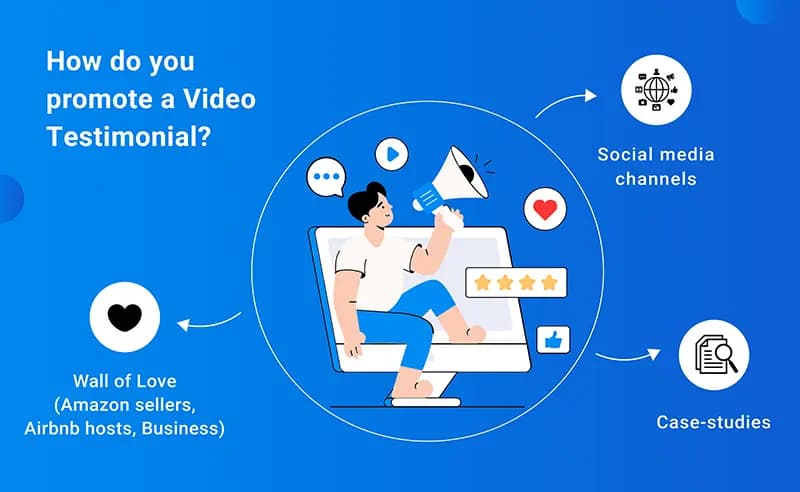
Place videos where they get noticed:
- Homepage and product pages.
- Social media posts.
- Emails and newsletters.
- YouTube playlists.
- Sales presentations.
- Ads and proposals.
Measuring the Impact
Measuring the Impact
- Views and watch time.
- Likes, comments, shares.
- Sales and conversions.
- Website traffic.
- Try A/B tests for the best results.
Conclusion
Video testimonials turn happy customers into your most convincing sales asset. They build trust faster than any page you can write yourself.
The full process is simple. Pick the right customers, ask at the right moment, keep videos between 40 and 90 seconds, get written permission, publish with a transcript and schema, and measure what works.
You do not need a film crew or a big budget. You need a repeatable process.
Get started with Feedspace for free and collect your first video testimonial this week.
FAQs
1. What is a video testimonial?
A video testimonial is a short video where a real customer talks about their experience with your product or service. It is unscripted, authentic, and used as social proof to build trust with potential buyers.
2. How long should a video testimonial be?
For landing pages and ads, keep it between 40 and 90 seconds. For case study pages, 2 to 5 minutes is acceptable. Shorter videos tend to get more views and completions.
3. When should I ask for a video testimonial?
Ask right after a customer achieves a positive result, leaves positive feedback, or completes a major milestone. Timing your request within 48 hours of a key moment increases your response rate significantly.
4. Do video testimonials help with SEO?
Yes. They increase time on page, add media variety, and give you content to publish on YouTube. When embedded with proper schema markup and transcripts, they contribute to higher search rankings.
5. What questions should I ask for a video testimonial?
Focus on three things: the problem they had before, why they chose you, and the specific results they got. Encourage exact numbers and personal details to make the story relatable.
6. How many video testimonials do I need?
Start with three to five strong ones. One per key customer segment or use case is a good target. The more you collect, the more you can match the right testimonial to the right buyer.
7. Can I use video testimonials in paid ads?
Yes, and they often perform better than polished branded ads. They look authentic, feel less like ads, and are more persuasive because a real person is sharing a real experience.