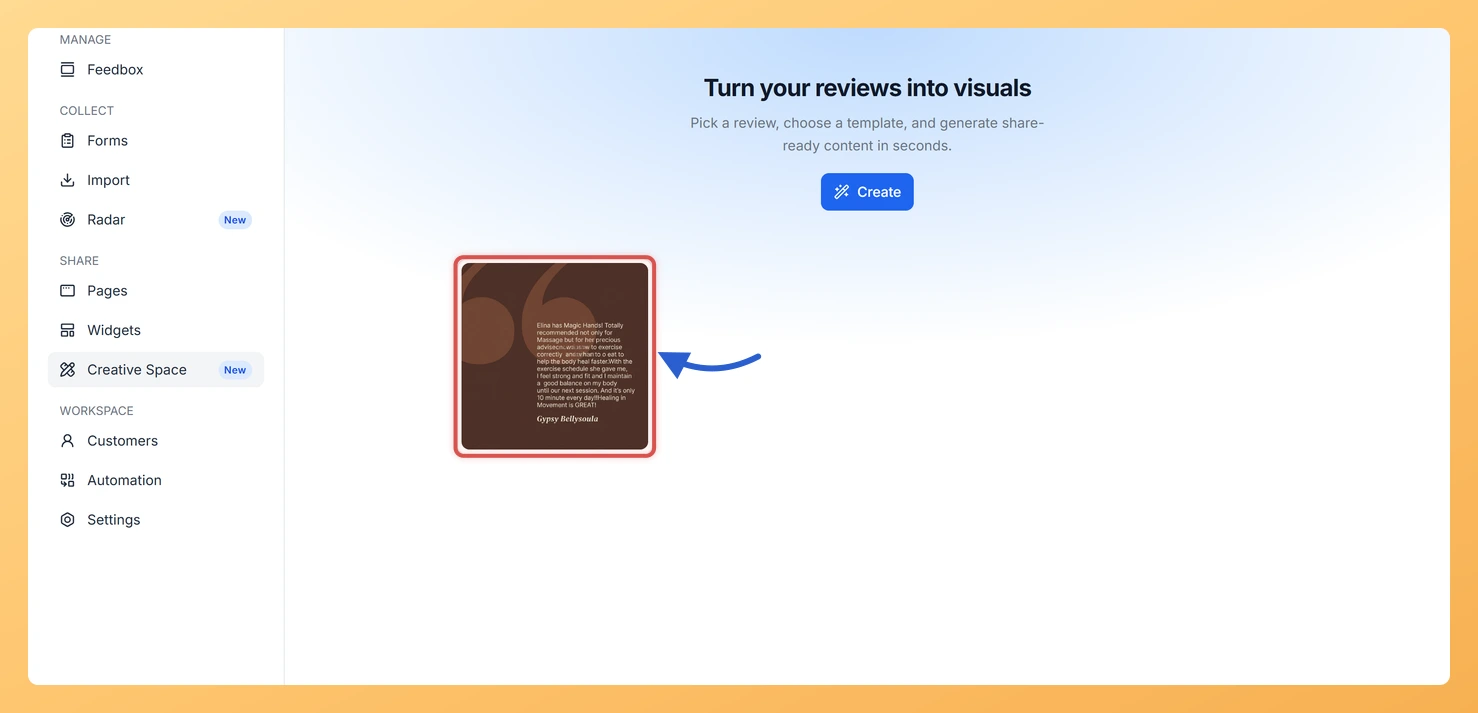
Creative Space lets you generate beautiful testimonial images from your reviews, and keeping a copy of every design you create is straightforward.
Saving and reusing a design
Creative Space does not store a personal gallery of past generations, so the best way to keep your designs is to download each image immediately after you generate it. Every image is available as a high-resolution file that you can save to your computer, cloud storage, or any folder you prefer. As long as you download promptly, you will always have a local copy ready to use.
How to download a design straight away
After generating an image in Creative Space, use the download button to save the high-resolution file to your device. Doing this right after each generation means you build up a library of finished assets over time, without relying on any in-app storage. This simple habit ensures no design is ever lost.
How to Reuse a Template for a Different Review
Because Creative Space saves your template choices within a session and custom uploaded templates remain available for future sessions, reproducing any look is easy. To generate the same style with a different review, simply follow these steps:
Open Creative Space from your Feedspace dashboard.
Choose the same template or layout you used previously.
Select a different review from your Feedbox.
Click Generate to create the new image, then download it straight away.
Uploaded templates stay available
If you have uploaded your own custom template to Creative Space, it will remain available for future sessions. This means your branded layout is always on hand whenever you want to generate a new testimonial image, giving you a consistent visual identity with minimal effort each time.
Download each design as you finish it
Make it a habit to download each image as soon as you generate it. Keeping a local or cloud-backed folder of your Creative Space exports gives you a ready-to-publish library of testimonial visuals that you can reuse across social media, email campaigns, landing pages, and more.
What’s next
Open Creative Space now, generate an image for your best review, and download it to start building your library of testimonial visuals.
Upload a custom branded template to Creative Space so your preferred layout is always available for future sessions.
Reuse your favourite template by opening Creative Space, selecting the same layout, choosing a different review, and generating a fresh image.
Organise your downloaded Creative Space images into folders by campaign or platform so they are easy to find and share whenever you need them.
Common questions
What happens to a design if I close the tab without downloading?
Download each design as you finish it. That is the copy you keep, and it is the reliable way to get the same image back later.
You might also find helpful
What is Creative Space in Feedspace?
Overview Creative Space is a built-in design tool inside Feedspace that lets you transform your collected testimonials and reviews into eye-catching visual image cards. You can find it in the SHARE section of the sidebar, marked as a New feature. It bridges the gap between gathering social proof and actually...
How Do I Generate a Testimonial Image with Creative Space in Feedspace?
Overview Creative Space is a built-in image generator inside Feedspace that turns your customer reviews into polished, branded testimonial image cards. You pick a review from your Feedbox, choose a template, and Creative Space combines the design with the reviewer’s name, rating, photo, and review text in one click. The...
How Do I Download a Creative Space Image in Feedspace?
Overview Creative Space in Feedspace lets you turn customer testimonials into polished, on-brand images ready for marketing use. Once you have generated an image you are happy with, you can download it directly to your device. Downloaded images are high-resolution and suitable for social media posts, email campaigns, paid ads,...