

Feedspace Home Dashboard

How to Create a Wall of Love Page in Feedspace

Last updated on October 3, 2025

Steps to Create a Page

Log into Feedspace

Sign in with your account credentials.

Go to Pages

From the left sidebar, click Pages.

Feedspace dashboard showing Pages option in left sidebar

Create Page

Click Create Page. This opens the creation screen with some reviews auto-selected in the space.

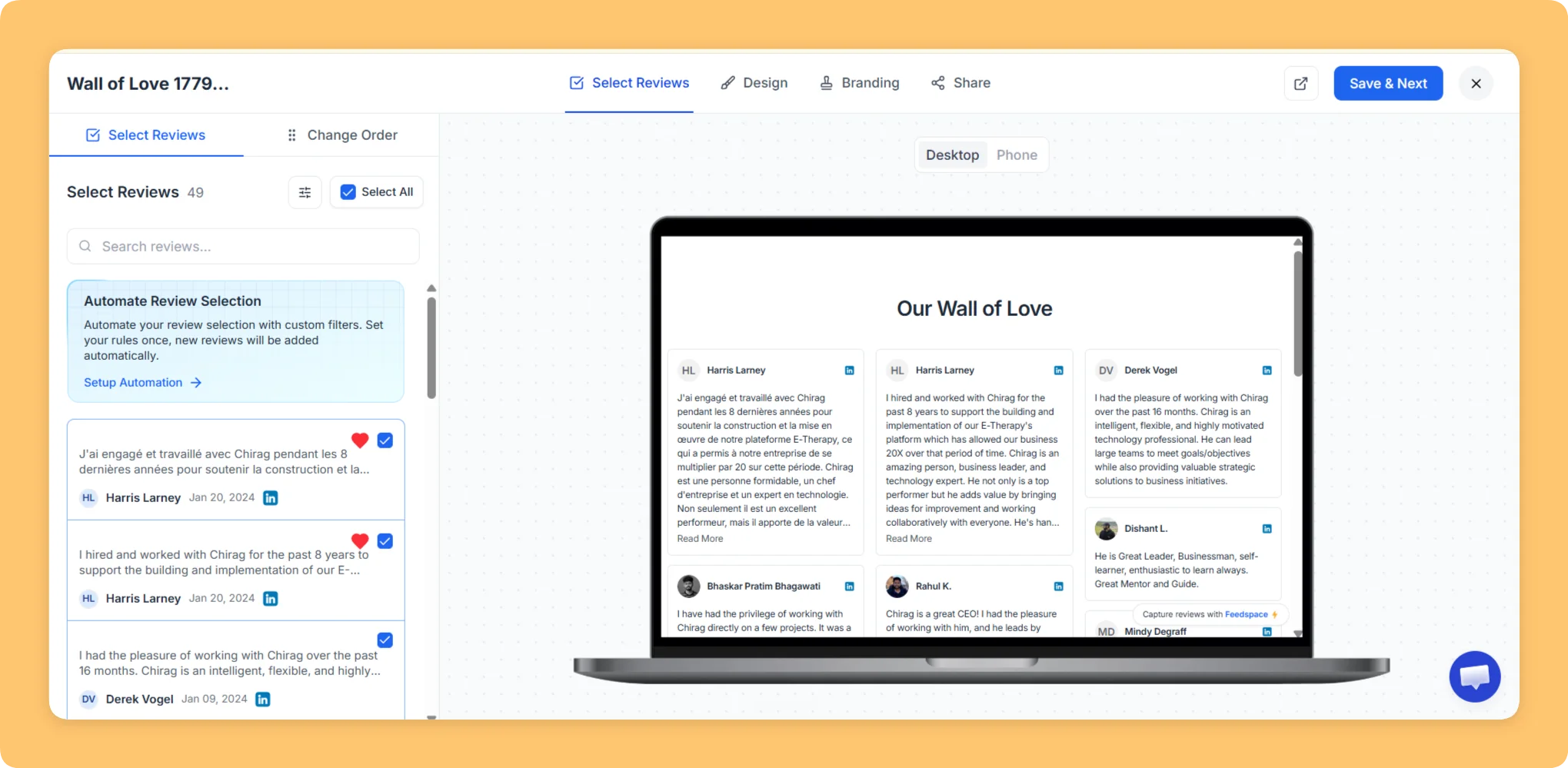
Select Reviews

Go to the Select Review page and choose the reviews you want to add to your Wall of Love page. Click Save & Next.

Select Review screen in Feedspace showing list of reviews to add

Page Design

On the left side, you can see the Wall of Love page in both desktop and mobile view. On the right side, you can configure the page settings

Page Configurations

  • Show Your Logo: Upload a photo (up to 15 MB) or enter a logo URL.
  • Links: Add link titles and URLs (Link 1, Link 2).
Feedspace page configuration panel with logo and links options

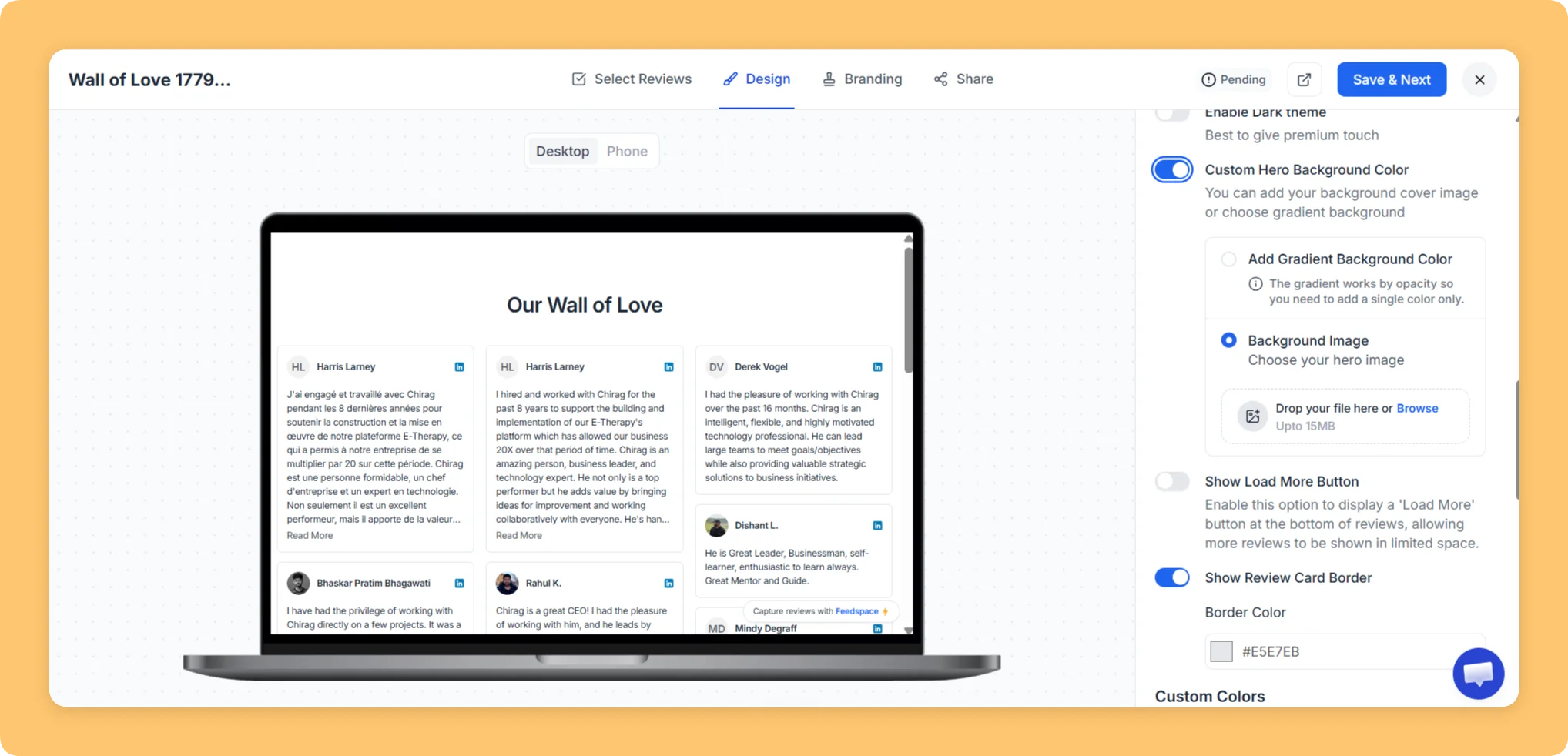
Custom Hero Background

  • Hero Section: Add a background cover image or select a gradient.
  • Background Image: Upload a hero image.
  • Background Color: Choose your brand color.
Custom hero background options including image and gradient

Adavance Customization

  • Display Review Date: Show the date each review was received.
  • Display Ratings: Show the star rating with each review.
  • Enable Read More: Collapse long reviews with a “Read More” option.
Advanced customization options including review date, ratings, and read more

Review Order

Change the order of reviews as needed, then click Save & Next.

Feedspace interface to change the order of reviews

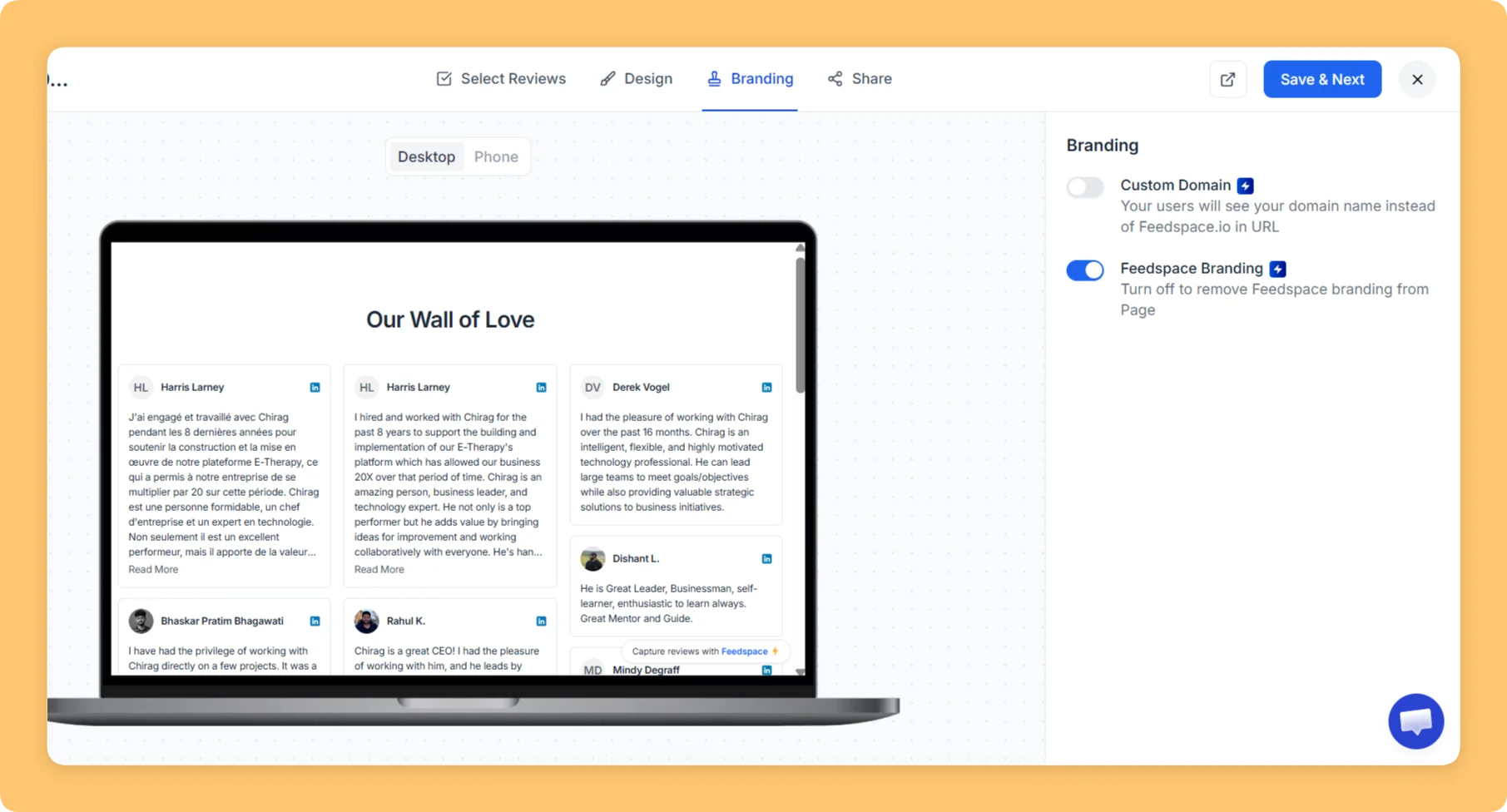
Branding

  • Custom Domain – Replace the default Feedspace.io link with your own domain.
  • Remove Feedspace Branding – Enable this option to remove the Feedspace branding from the page.
Branding options including custom domain and remove Feedspace branding

Final Step

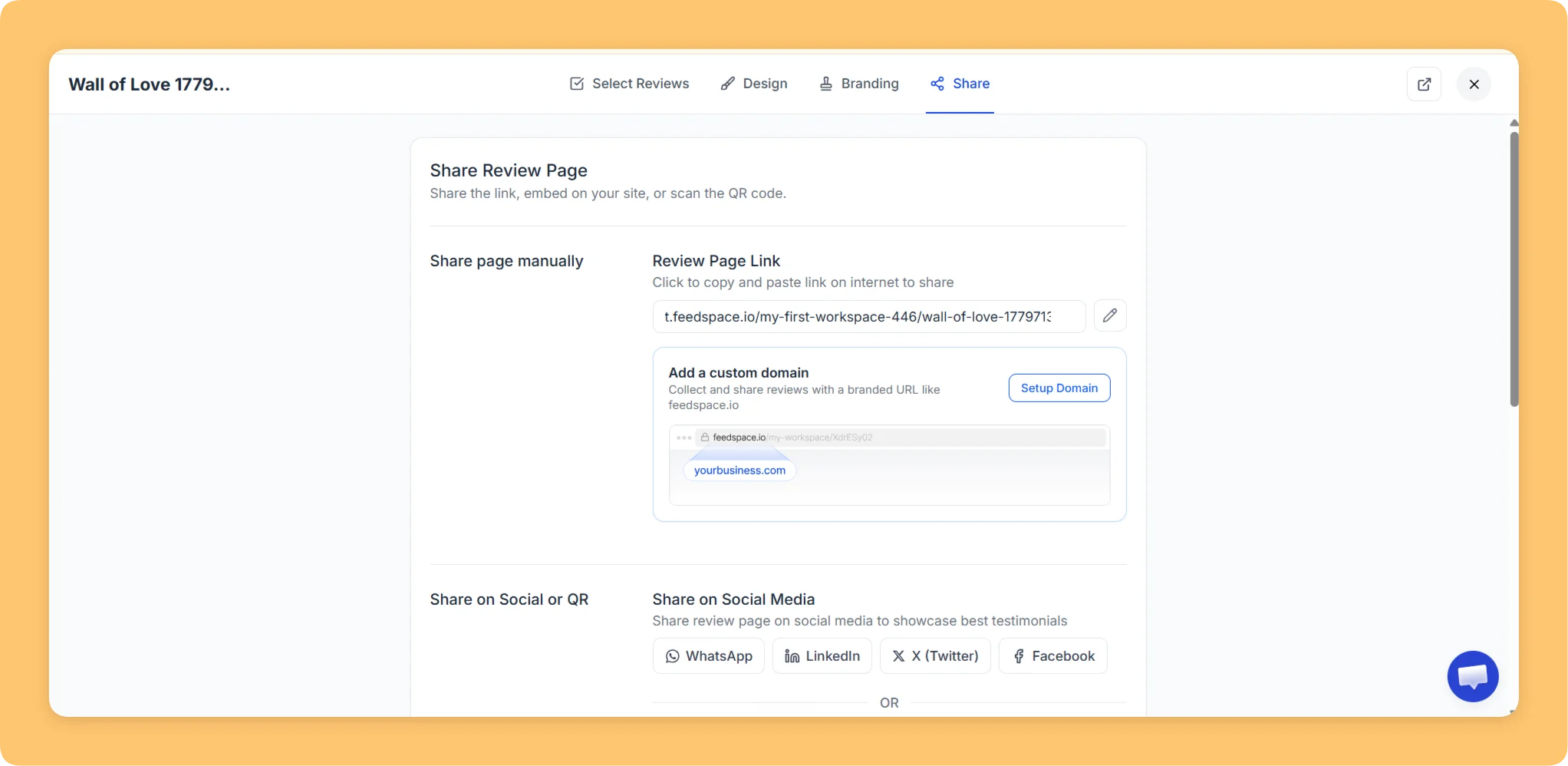
Your Wall of Love page is now ready to share.

Choose the option to share the review page

You might also find helpful

How to Share Your Wall of Love (Page)

Step-by-Step Instructions Log into Feedspace Sign in with your account credentials. Go to Pages From the left sidebar, click Pages. Sharing Options You can share the Wall of Love page in two ways: Copy Link or Share Review Page. Copy Link When you click Copy Link, a popup will confirm...

Using the Social Media Wall of Love Feature to Enhance Your Website

Overview With Feedspace’s Wall of Love, you can showcase real feedback right on your website – creating what we call a Wall of Love. Why It Works:

How to Embed Reviews Using Feedspace Widgets

Overview Feedspace offers an easy way to display your customer reviews stylishly on your website. By embedding reviews through Feedspace widgets, you can enhance your website’s credibility and design. With options like Carousel and Masonry widgets, you can showcase your reviews in a way that best fits your site’s look....