Nothing fosters trust more than hearing about your company from someone who has already invested in it. Testimonials with real voices, real outcomes, and real influence are magical.
What’s the best part? It doesn’t have to be difficult, time-consuming, or tech-savvy to add testimonials to WordPress. With the correct resources and a clever strategy, you can convert client endorsements into compelling evidence with just a few clicks.
Whether you’re using a plugin or a page builder, there are countless ways to add testimonials to WordPress in a way that boosts credibility and drives conversions.
Let’s explore how you can effortlessly gather, showcase, and optimize testimonials on your WordPress site.
What Are WordPress Testimonials?
WordPress testimonials are user-submitted reviews or endorsements displayed on a WordPress website to highlight positive feedback from customers, clients, or users. They help build trust and credibility by showcasing real experiences with your product, service, or brand. You can easily add testimonials to WordPress using plugins or built-in tools to enhance your site’s authenticity and engagement.
These testimonials are usually shown as
- Text quotes with customer names and photos
- Star ratings or short reviews
- Video testimonials
- Sliders, grids, or popups for visual appeal
WordPress allows you to add testimonials to WordPress manually using blocks or shortcodes or use testimonial plugins like GS Testimonial, Strong Testimonials, or WP Testimonials to manage and display them more effectively.
Why Customer Testimonials Still Matter in 2026
We all still read reviews before making a purchase in 2026. A few words from a happy customer can have a big impact on your choice. They validate your claims, put your service in a real-world context, and ease buyers’ anxiety. However, the majority of companies either underdeliver or overcomplicate the process to add testimonials to WordPress, missing out on the trust and conversions that real feedback can deliver.
When integrated properly, testimonials can strengthen your site structure, boost engagement metrics, and support higher rankings.
- Build Trust Instantly: Testimonials act as social proof, showing real experiences from real people—helping new visitors feel confident about your product or service.
- Reduce Buyer Hesitation: Positive reviews address doubts and objections by showing that others have had a good outcome, making purchase decisions easier.
- Humanize Your Brand: Hearing from satisfied customers adds personality to your brand and creates a sense of connection beyond marketing copy.
- Boost SEO and Conversions: Testimonial-rich pages often rank better and convert higher, especially when reviews include keywords and are placed strategically.
- Strengthen Credibility in a Crowded Market: In competitive spaces, authentic testimonials help you stand out and signal that your offering is trustworthy and proven.
Must-Have Features in a WordPress Testimonial Plugin
Not all testimonial plugins are created equal. Here are the features to consider when choosing one:
- Responsive Design: Ensure your testimonials look great on all devices—desktop, tablet, and mobile.
- Multiple Layouts: Look for grid, slider, list, and masonry layouts so you can match the design to your site.
- Front-End Submission: Let clients submit their reviews directly through a form, streamlining your workflow.
- Customization Options: You should be able to tweak colors, fonts, borders, and more to align with your branding.
- Rating System: Adding star or number ratings helps reinforce the strength of each testimonial visually.
- Shortcodes & Widgets: Make sure you can easily embed testimonials anywhere on your site—pages, posts, or sidebars.
- Filter and Category Support: Useful if you want to showcase testimonials by service, product, or team member.
Best WordPress Testimonial Plugins to Use in 2026
Let’s explore some of the most trusted and feature-rich testimonial plugins available in 2026:
1. GS Testimonial Plugin
A powerful and flexible plugin, GS Testimonial is perfect for businesses of all sizes. It offers a clean admin panel and 10+ layout views, including grids, sliders, tables, popups, drawers, and filterable views.
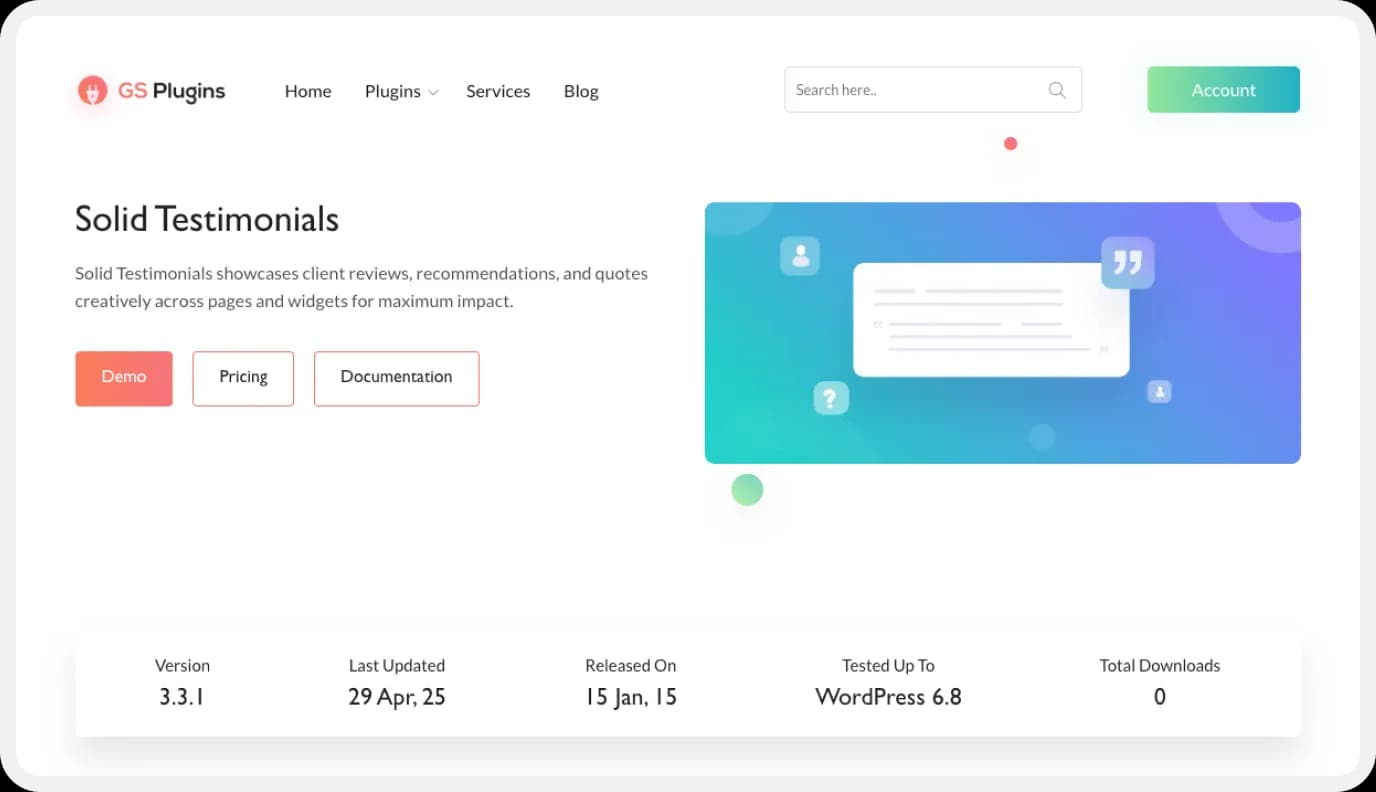
GS Testimonial Key Features:
- Multiple display layouts (slider, list, grid, etc.)
- Custom fields: star rating, client photo, company info
- Responsive and mobile-optimized
- Shortcode generator with parameters
- Gutenberg and Elementor compatible
- Filter by rating or category
- Front-end submission form (Pro)
What Makes This Plugin Stand Out
The GS Testimonial plugin offers unmatched flexibility for displaying testimonials creatively. Whether you’re showing feedback in a popup or in a horizontal scroll, it’s got you covered.
2. Strong Testimonials
A strong testimonials plugin for WordPress helps you collect, manage, and display customer feedback effortlessly. It allows you to showcase text, video, and star-rated reviews in stylish layouts that build trust and boost conversions.
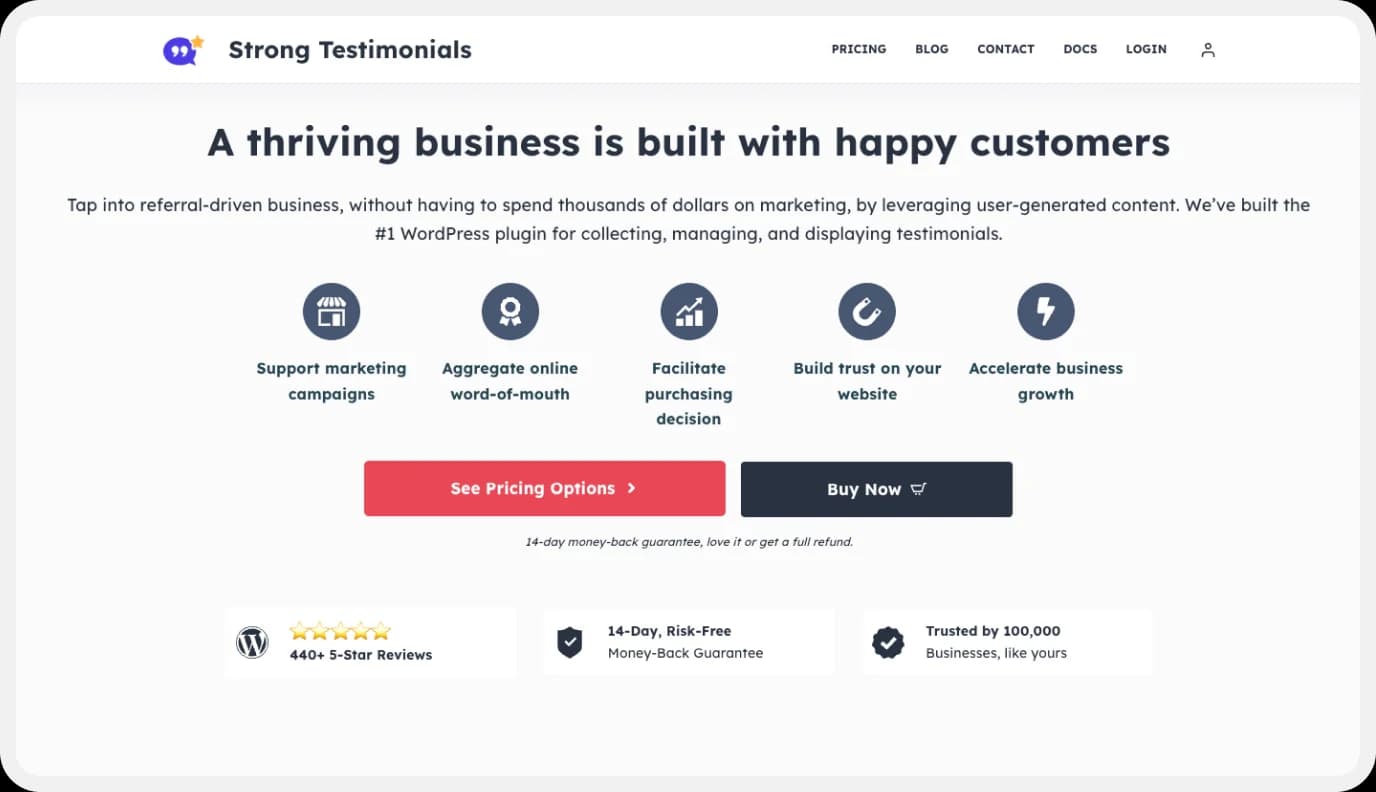
Strong Testimonials Key Features:
- Easy Collection
- Versatile Display Options
- Easy to Customize
- Structured Data (Schema Markup)
- Spam Protection
Best Suited For
Small businesses and service providers are looking for a solid all-in-one solution.
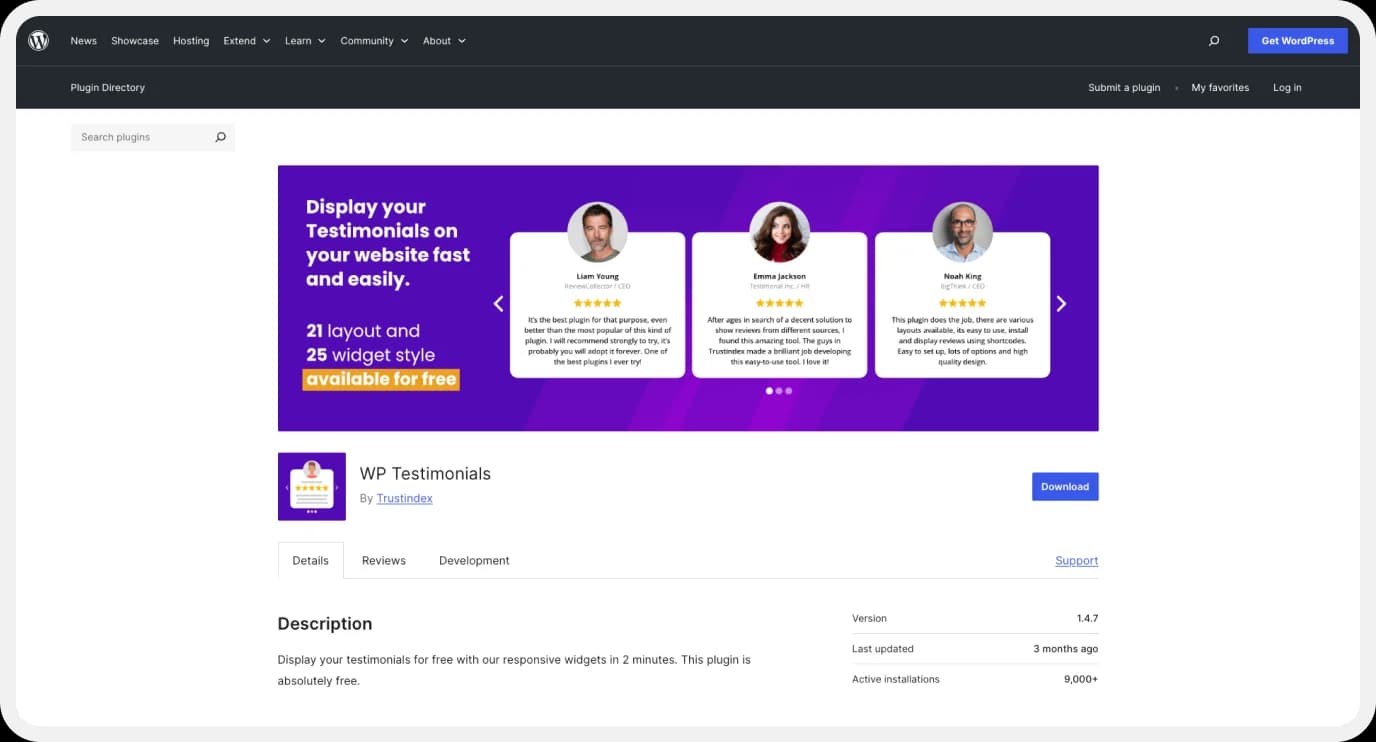
3. WP Testimonials with Rotator Widget
This lightweight plugin lets you create rotating testimonial carousels without much setup.
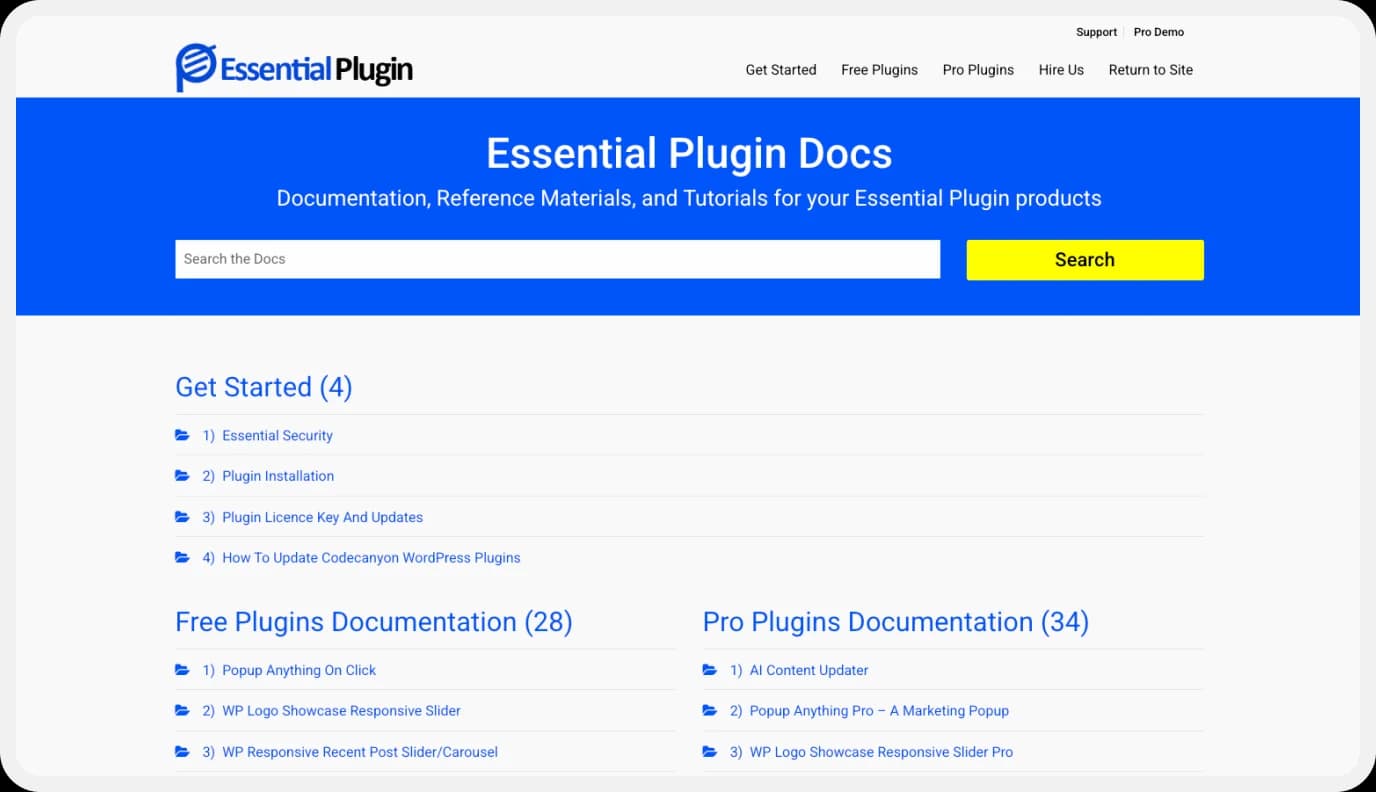
Key Features:
- Shortcode-ready
- Rotating carousel view
- Multiple testimonials on a single page
- Star ratings and client images
- Simple interface
Best Suited For
Users who want minimal setup with a clean display.
4. Easy Testimonials
Easy Testimonial is a beginner-friendly plugin that offers both simplicity and decent features.
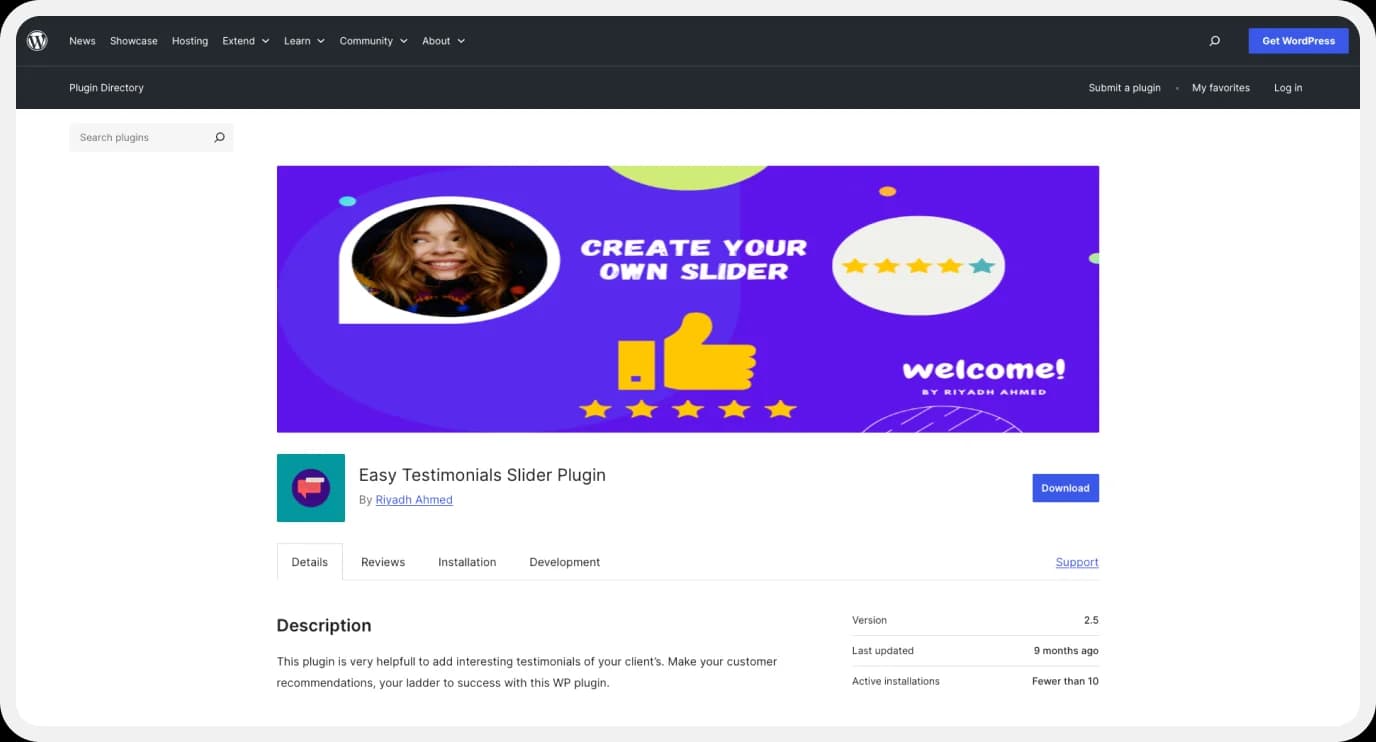
Easy Testimonial Key Features:
- Star rating system
- Testimonial categories
- Shortcode and widget support
- Sidebar testimonial display
- Schema markup support for SEO
Limitations:
Design customization is limited in the free version.
5. Testimonials Widget
As the name suggests, this plugin lets you display testimonials in widgets, carousels, or random displays.
Testimonials Widget Key Features:
- Shortcode-enabled
- Random display support
- Shortcode and widget support
- Author name, job title, and company fields
- Tag-based filtering
- Animation effects
Best Suited For
Those who want to include testimonials in sidebars and footers.
How to Add Testimonials to WordPress: Step-by-Step Guide
Step 1: Make It Easy for Customers to Share Testimonials
People are happy to help but they won’t write a masterpiece or hunt for a link. Make it effortless:
- Add a simple testimonial form using a plugin like Strong Testimonials or WPForms.
- After a successful project or purchase, send your best clients a direct link.
Guide them with prompts such as:
- What changed for you after using our service?
- What would you tell someone who’s considering us?
- What outcome surprised you the most?
You’re helping them tell a short story, not just asking for compliments.
Step 2: Curate Strong, Relevant Testimonials
Not every testimonial has to be brand-new but each one should be clear and specific.
Compare:
- Strong: “I launched my startup’s homepage using [your plugin] in two hours and saved thousands of dollars.”
- Weak: “Excellent service. Would recommend.”
Choose testimonials that:
- Address common objections
- Mention specific outcomes
- Use relatable, emotive language
Tip: Sort testimonials by client type, service, or product so visitors can quickly find one they relate to.
Step 3: Use a WordPress Plugin to Display Testimonials
You’re on WordPress so use it. Pick one of the plugins from the list above based on the layout and features you need:
- For flexible layouts (grid, slider, popup): GS Testimonial
- For collection forms and schema markup: Strong Testimonials
- For a lightweight rotating carousel: WP Testimonials with Rotator Widget
Once installed, add your testimonials, choose a layout, and place them with a shortcode or block. Focus on the content, not the code.
Step 4: Place Testimonials Strategically to Boost Conversions
Testimonials belong on more than just your homepage. Try:
- Service pages: pair a testimonial with a related case-study quote.
- Pricing page: add endorsements to ease sticker shock.
- Lead or checkout forms: show a concrete outcome to reinforce the “yes.”
Bonus tip: a subtle floating or sticky testimonial slider keeps proof visible as visitors scroll.
Step 5: Keep Your Testimonials Fresh and Relevant
Outdated testimonials work against you. Build the habit:
- Set a quarterly calendar reminder to refresh them.
- Highlight recent wins and client recognition.
- Use your plugin’s slider or filter to rotate them dynamically.
Fresh testimonials keep your site feeling alive.
Video testimonials are worth the effort. Written testimonials are great, but video is gold. Start small ask clients to record a 30-second clip on their phone. The authenticity will surprise you.
Pro Tip: with features like guided scripts, remote recording, and quick publishing, programs like Feedspace make your work even easier—especially when you’re ready to add testimonials to WordPress and showcase them where they matter most.
Strategy for Testimonials
- When they’re relaxed, ask the appropriate question.
- Make responding simple with prompts and forms.
- For a responsive and attractive display, use a plugin.
- For maximum conversion, place strategically.
- Continue adding new, pertinent voices.
Your most effective marketing team is your satisfied customers, and they do it for free. All you have to do is give them a stage and put them in the spotlight.
Conclusion
Adding testimonials to your WordPress website doesn’t have to be complicated. With the right plugin or page builder, you can add testimonials to WordPress effortlessly, collecting, managing, and displaying authentic customer feedback in just a few clicks.
Whether you’re using a dedicated testimonial plugin like GS Testimonial or leveraging blocks in Elementor or Gutenberg, the process is quick, flexible, and highly effective.
By showcasing real experiences, you build trust and turn satisfied customers into your most powerful marketing asset. Start now, add testimonials to WordPress with ease, and allow your website to showcase its true potential.