
Feedspace Home Dashboard

How to Import Reviews from QuickBooks ProAdvisor into Feedspace

Last updated on June 22, 2026

Overview

Feedspace enables businesses to showcase customer feedback by importing reviews from QuickBooks ProAdvisor. QuickBooks ProAdvisor is Intuit’s directory of certified QuickBooks accounting professionals where clients leave verified reviews. By integrating QuickBooks ProAdvisor reviews into your Feedspace dashboard, you can display authentic customer experiences on your website, build credibility, and attract more customers.

Step 1: Open import reviews in Feedspace

  1. Log in to your Feedspace account.
  2. From the left sidebar, go to the Import section.

Step 2: Enter your QuickBooks ProAdvisor URL and import

  1. Navigate to your QuickBooks ProAdvisor profile page (e.g., proadvisor.intuit.com/find-an-accountant/your-name).
  2. Copy the URL from your browser’s address bar.
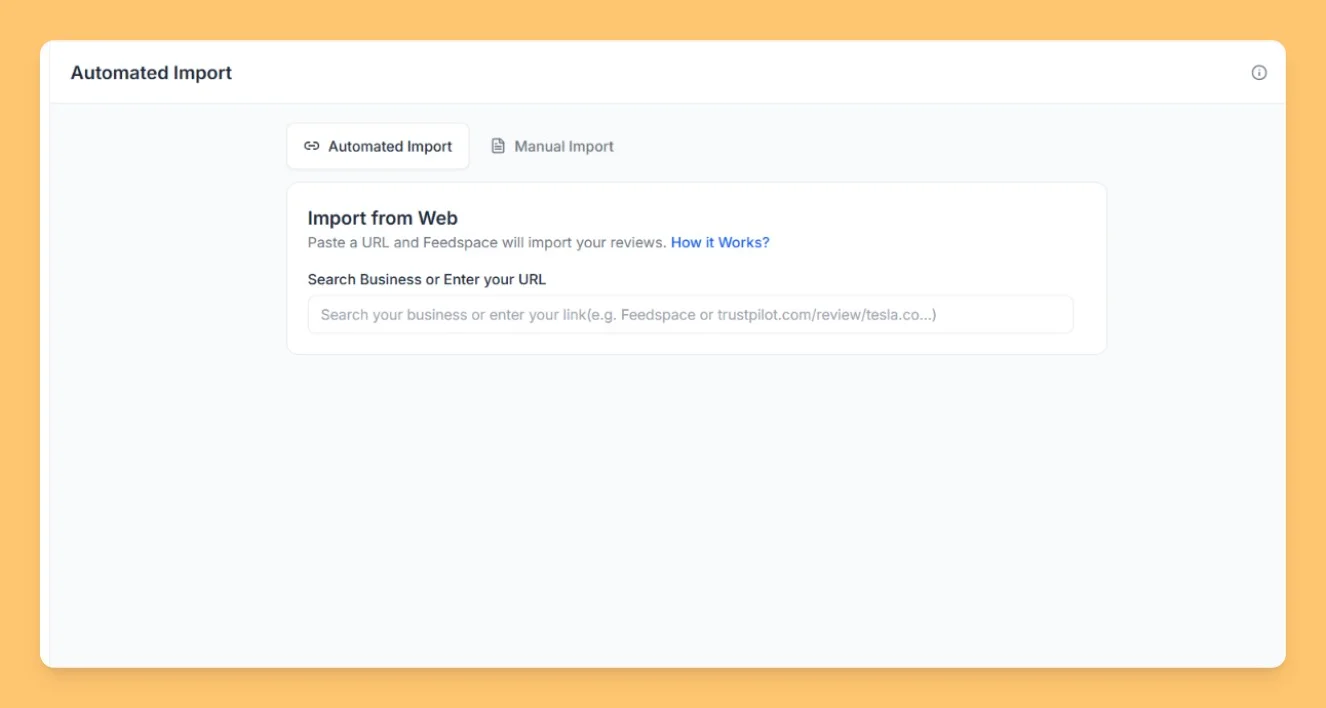
  3. Paste the URL into the search field in Feedspace.
  4. Click the Fetch Reviews button and wait while Feedspace retrieves your reviews.
  5. Select the reviews you want to import.
  6. Click Import Review: your reviews will appear in your Feedbox instantly.
Import Reviews in Feedspace

Step 3: Manage and publish reviews

After reviews are imported successfully:

  • Check and organize them in your Feedspace dashboard.
  • Select which reviews you want to feature publicly.
  • Use them to create a Wall of Love or embed them on your website to build powerful social proof.

Step 4: Support assistance

If you need help or have any questions about the process, click the chat bubble in the bottom-right corner of your Feedspace dashboard for support.

You might also find helpful

How to Import Reviews from Google Workspace into Feedspace

Overview Apps and add-ons on the Google Workspace Marketplace collect reviews on their listing pages. Feedspace fetches the reviews from your app’s listing so you can choose which to import. Add-on makers show these reviews on their own website, where a team admin is deciding whether to install the app...

How to Import Reviews from HubSpot into Feedspace

Overview HubSpot customers review apps and service partners on the HubSpot Marketplace. Feedspace fetches the reviews from your listing so you can choose which to import. App makers and HubSpot partners use these reviews on their own sites, where prospects who use HubSpot want to see what other HubSpot customers...

How to Import Reviews from Zoho Marketplace into Feedspace

Overview Each extension listed on Zoho Marketplace has a page of ratings and reviews. Paste an extension’s link into Feedspace and it collects those reviews, ready for you to pick the ones worth importing. Developers who build for Zoho put these reviews on their product site and pricing page, so...