
Feedspace Home Dashboard

How to Create a Company Logo Slider Widget in Feedspace

Last updated on May 26, 2026

Overview

Feedspace’s Company Logo Slider widget displays your clients’ or partners’ logos in a smooth, continuously scrolling strip. It’s the ideal “as seen on” or “trusted by” social proof bar for your homepage or landing page — no review text needed, just recognizable brand logos.

Step 1 – Log in to Feedspace

Go to your Feedspace Dashboard and log in using your credentials.

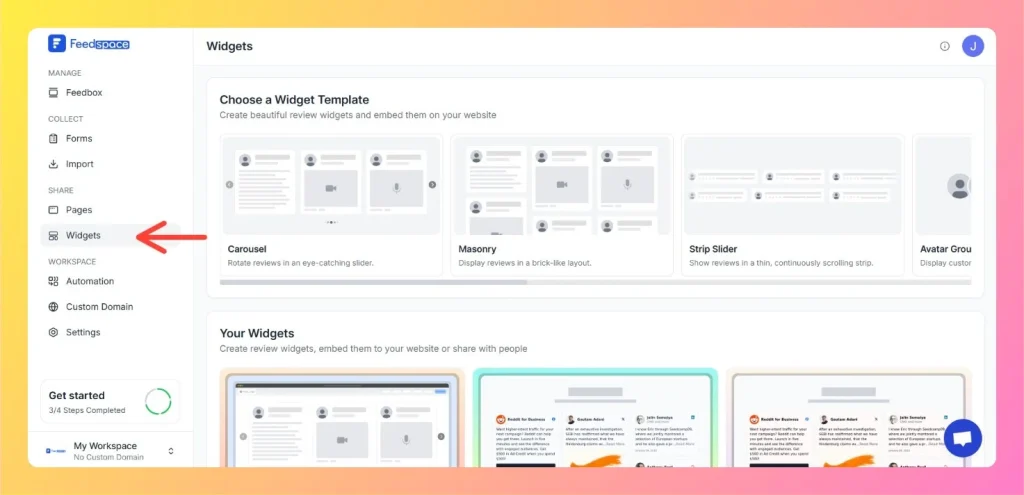
Step 2 – Navigate to Widgets

  • From the left sidebar, click on Share Reviews → Widgets.
  • Then select Company Logo Slider as your widget type.
Left Side Bar: Select Widgets

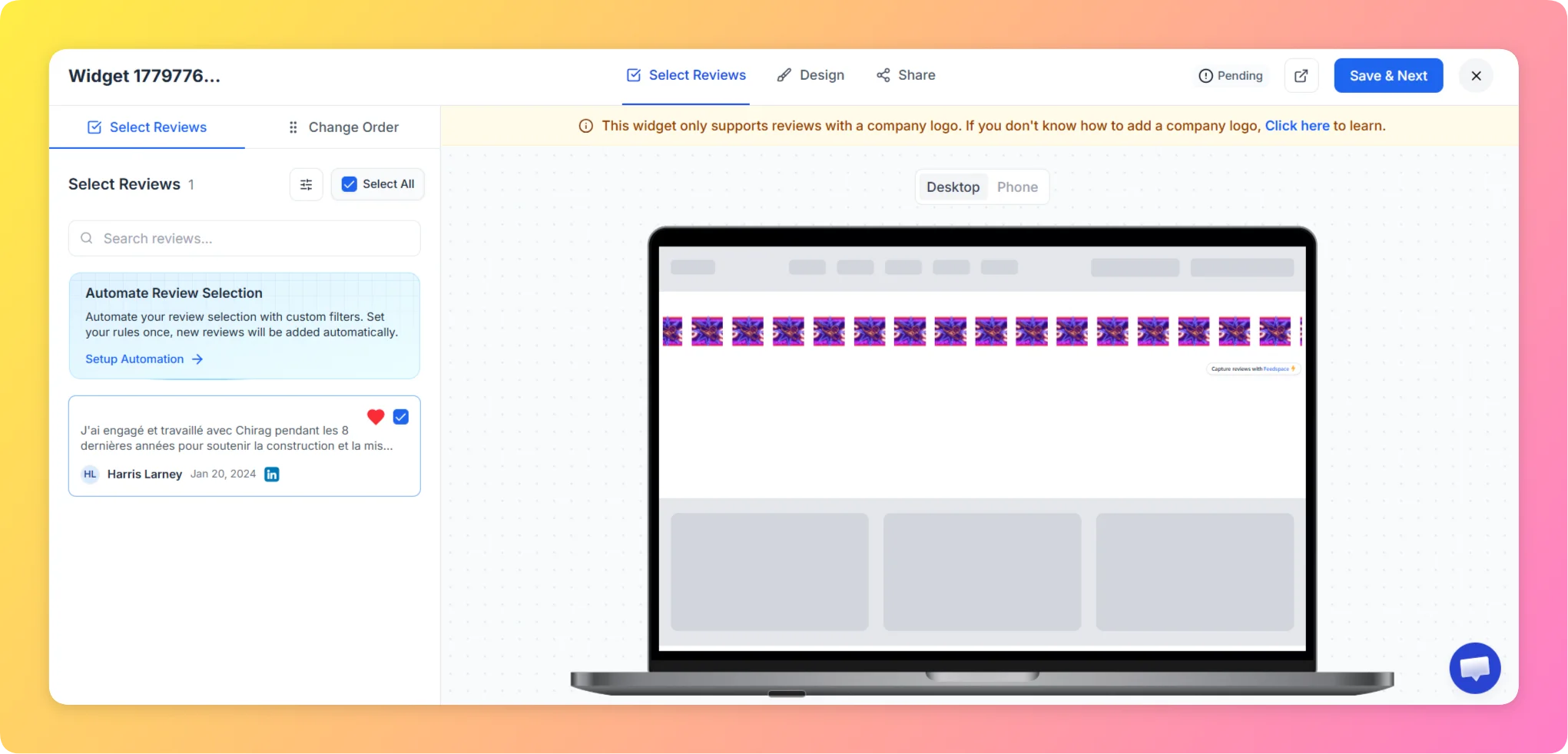
Step 3 – Select Reviews

Choose the reviews you want to display in your Company Logo Slider. You can filter by source or manually select individual reviews.

Select Reviews Tab

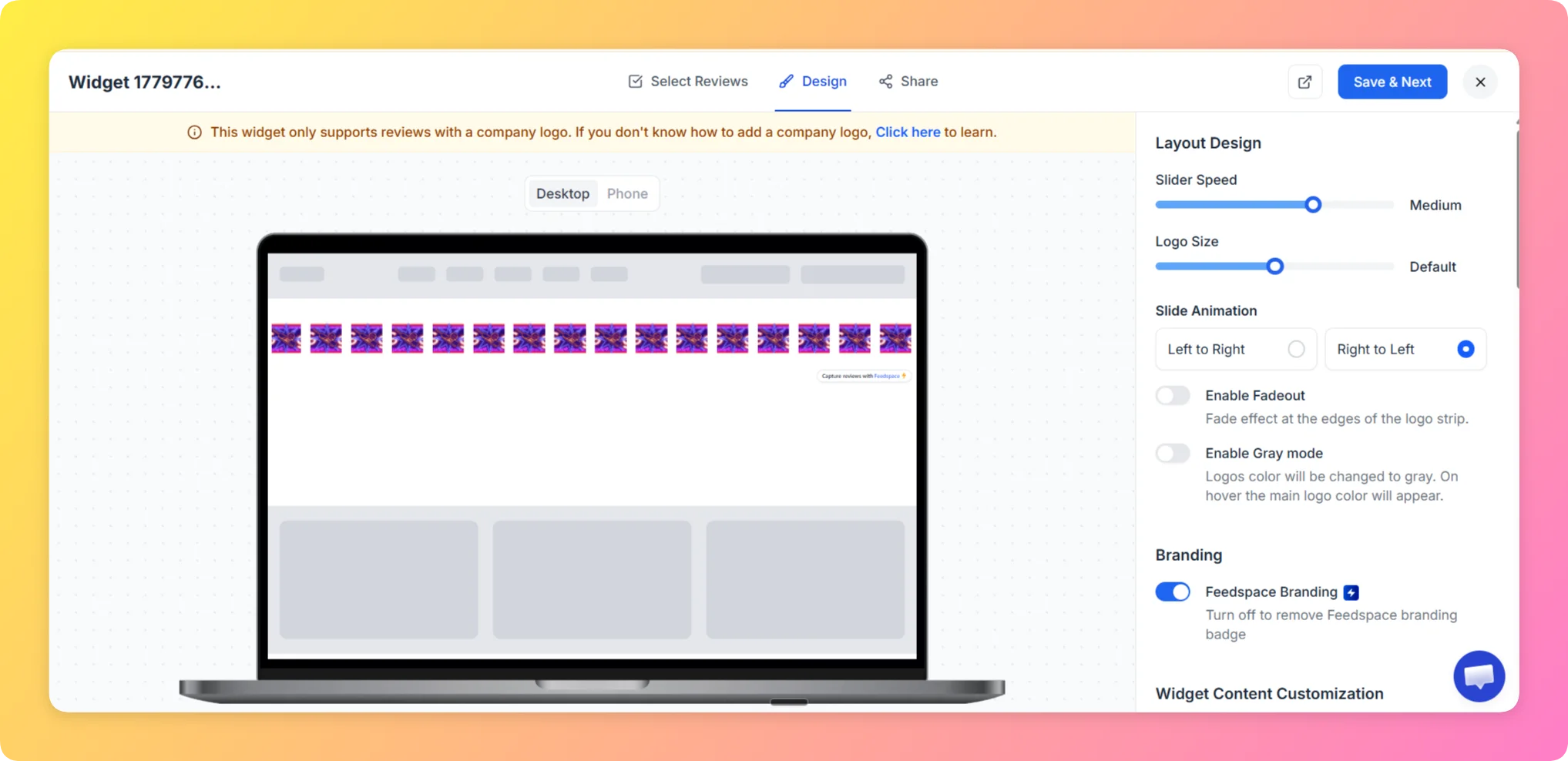
Step 4 – Customize the Design

  • In the Design tab, configure the strip appearance:
  • Set the scroll speed (Slow / Medium / Fast).
  • Adjust logo size, spacing, and background color.
  • Toggle Grayscale logos to display all logos in black-and-white for a cleaner, uniform look.
  • Enable Dark Mode if your website uses a dark background.
  • Optionally enable Custom CSS (Pro plan) for advanced styling.

Step 5 – Preview the Widget

  • Use the live preview on the left to check how the logo strip looks as it scrolls.
  • Switch between Desktop and Mobile views to confirm logos are sized correctly on all devices.

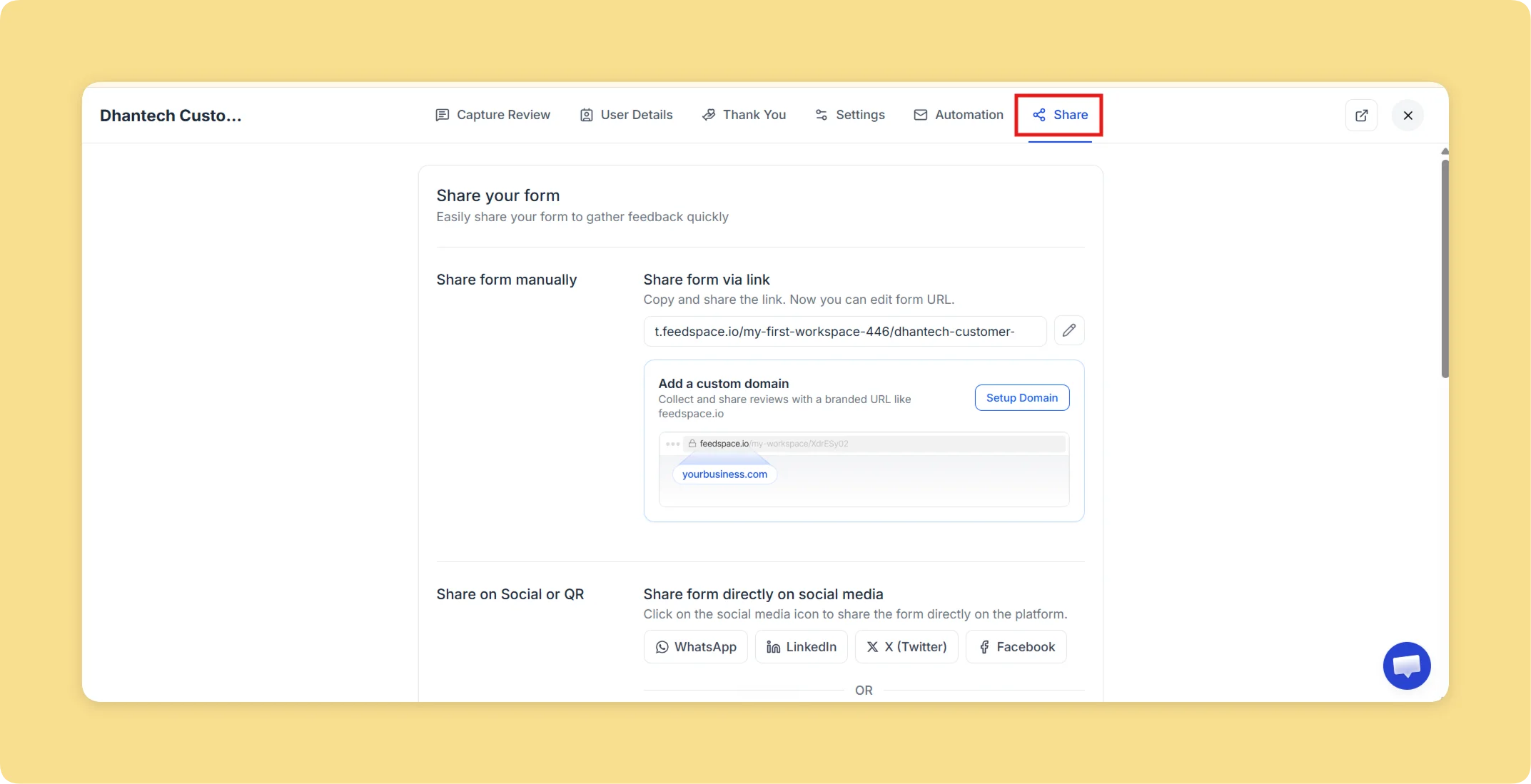
Step 6 – Save and Embed

  • Click Save & Next to reach the Share tab.
  • Select your website framework (HTML/WordPress, Framer, Next.js, Angular, or iFrames).
  • Copy the embed code and paste it into the header or hero section of your website.

Why Use the Company Logo Slider Widget?

  • Instant Credibility: Recognizable client or partner logos are powerful social proof — visitors trust businesses with familiar names behind them.
  • Clean and Minimal: The scrolling logo strip adds trust signals without cluttering your page with long review text.
  • Easy to Update: Add or remove company logos any time from your Feedspace dashboard without touching your website code.

That’s it! Your Company Logo Slider widget is live and showcasing your trusted clients and partners in a clean, scrolling strip.

You might also find helpful

How to Create a Strip Slider Widget in Feedspace

Overview The Strip Slider widget in Feedspace allows you to showcase your reviews in a single, horizontally scrolling line — perfect for website headers, footers, or testimonial sections that need a minimalist design. You can adjust autoplay speed, borders, and colors to match your brand style. How to Access Step...

How to Create an Avatar Group Widget in Feedspace

Overview The Avatar Group widget in Feedspace displays the profile pictures (avatars) of your reviewers in a sleek and minimal circular layout. It’s ideal for showing social proof in a subtle, space-saving format on your homepage, footer, or testimonial sections. How to Access Step 1 – Log in to Feedspace...

How to Create a Carousel Widget in Feedspace

Overview The Carousel widget in Feedspace lets you display multiple reviews in a continuously sliding format. You can enable autoplay, customize speed, and fine-tune design elements such as border, background color, and text colors. It’s a great way to keep your testimonials engaging and visually dynamic. How to Access Step...