Your Feedspace account is closed by the support team rather than from inside the app. There is no delete option on the My Profile tab, and the Danger Zone on the Settings page deletes a single workspace rather than your account. To close the account itself, send the team a request and they will handle it for you.
This usually comes up when a project has wrapped up or you have moved to another tool, and you would rather your reviews and contact records were removed than left sitting in an account nobody signs into.
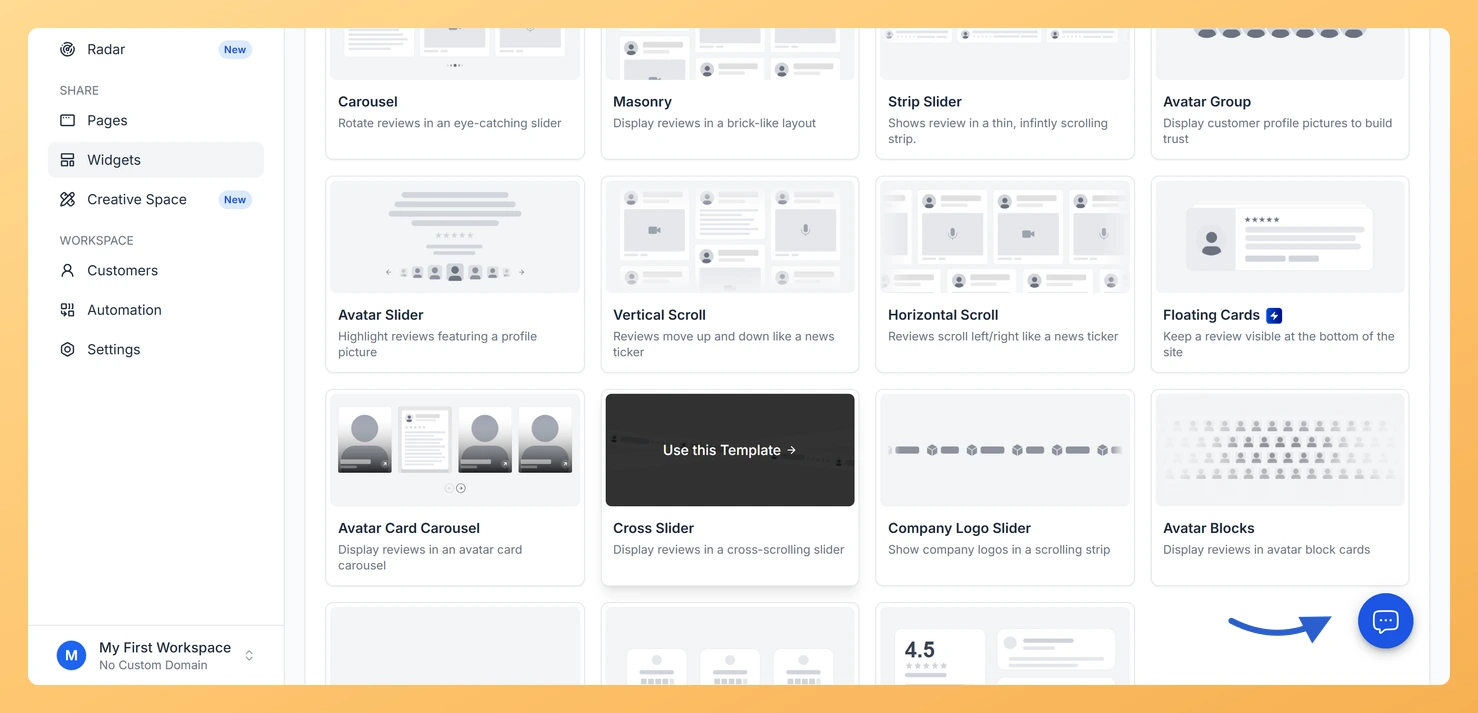
Click the chat bubble in the bottom right corner of the dashboard. It sits on top of whichever screen you are on, so you can open it from anywhere in Feedspace.
Step 3: Ask the team to delete your account
Send a message saying you want your account deleted, and include the email address you sign in with. If you would rather not use the chat, email support@feedspace.io with the same details.
What gets deleted
When your account is permanently deleted:
All workspaces and their settings are removed.
All review forms are deleted.
All reviews in your Feedbox are permanently deleted.
All customer records are deleted.
All widgets and Wall of Love pages are removed.
Your profile and account credentials are erased.
This is permanent and cannot be undone, so save anything you want to keep before you send the request.
Cancelling is not the same as deleting
Cancelling your subscription moves your account to the Free plan but does not delete it, and your data stays in Feedspace. If you want the account and everything in it removed, send the deletion request described above.
Before you request deletion
Export your reviews from Feedbox to keep a local copy. The export downloads as an Excel file.
Remove any embedded Feedspace widgets from your website, since they stop working once the account is gone.
Cancel your paid subscription first if you have one, so there are no further charges.
What’s next
The team will confirm once the account has been closed. If you only wanted to clear out one brand or client rather than everything, delete that workspace instead and keep your account, as described in how to delete a workspace in Feedspace.
Common questions
Can I delete a single workspace instead of my whole account?
Yes, and that is a different action you can do yourself. Open Settings, stay on General Settings, scroll to Danger Zone and click Delete?. That removes one workspace and its reviews while your account and any other workspaces carry on as normal.
How long does a deletion request take?
It depends on the support queue. Ask in the chat or email support@feedspace.io and the team will tell you the expected timeline for your request.
You might also find helpful
How Do I Cancel My Feedspace Subscription?
Overview You can cancel your Feedspace subscription at any time from the Subscription tab in your account. The cancellation happens inside Feedspace: you see what changes on your account, choose a reason, and confirm. Your plan stays active until the end of your current billing period, and your account is...
What Happens When I Cancel My Feedspace Subscription?
Your Data Is Never Deleted Cancelling your Feedspace subscription does not delete your account or any of your data. All your reviews, forms, customer records, workspaces, and settings remain in your account. The only thing that changes is your access to paid features once your billing period ends. What Happens...
How Do I Delete a Workspace in Feedspace?
Overview Deleting a workspace permanently removes all review forms, wall of love pages, widgets, and reviews inside it. This action cannot be undone, so make sure you have backed up any data you need before proceeding. Before you delete Steps Step 1: Open the workspace switcher Open the workspace switcher...