The Video Review Notification is a toggle in Feedspace under My Account, on the Notifications tab. When it is turned on, Feedspace sends you an email each time someone submits a video testimonial through any of your review forms. The notification covers all workspaces your account has access to, so you never miss a new video submission regardless of which workspace it belongs to.
What the notification includes
Each notification email tells you that a new video testimonial has arrived. You can then log in to Feedspace, open your Feedbox, and review, approve, or reply to the submission while the experience is still fresh for the reviewer.
When to keep it on
Keep the Video Review Notification enabled if video testimonials are a key part of your social proof strategy. Timely awareness lets you:
Thank reviewers promptly while their experience is top of mind.
Approve and publish strong video testimonials quickly.
Follow up with reviewers for additional context or permission to share their story.
When to turn it off
Turn the notification off if you collect a high volume of video testimonials and prefer to review submissions on your own schedule by checking Feedbox directly. Disabling it reduces inbox noise without affecting how testimonials are collected or stored.
How to enable or disable the Video Review Notification
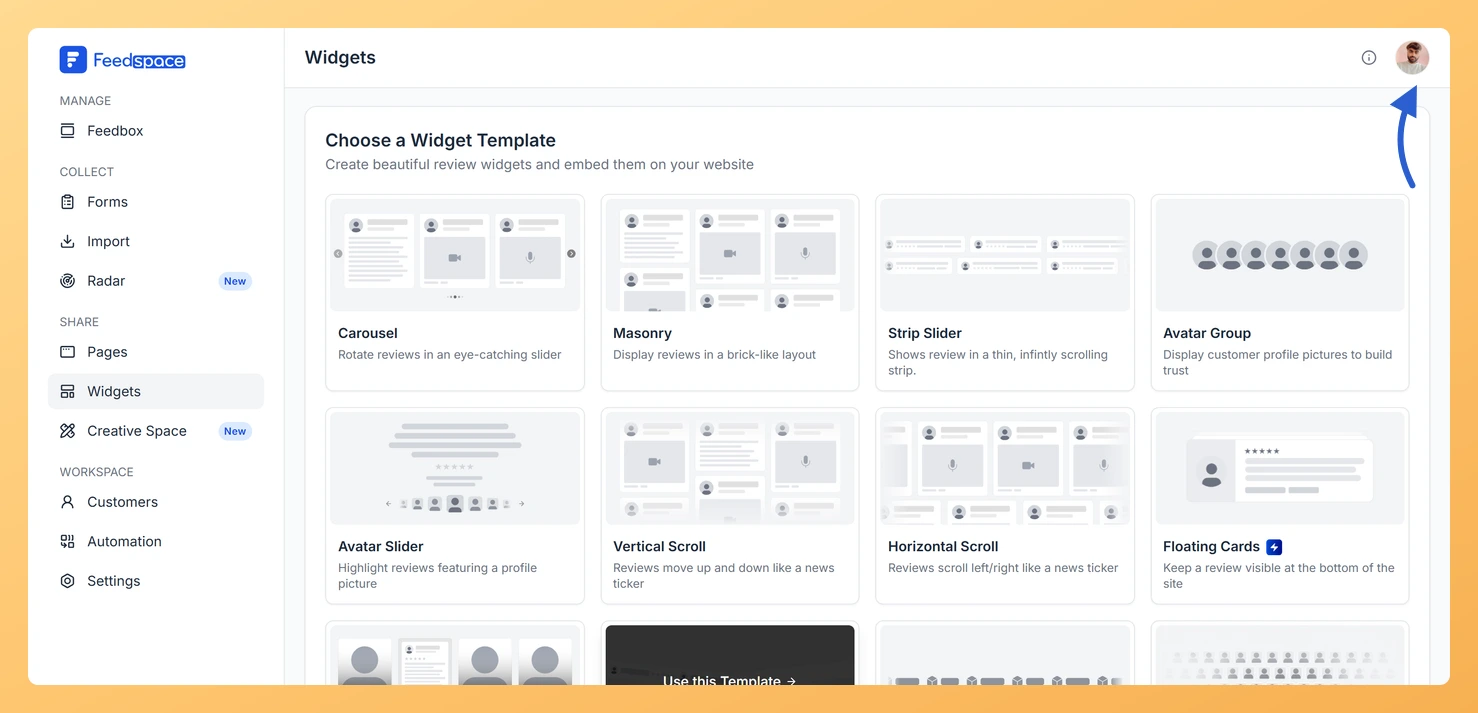
Select your profile avatar at the top right of the screen to open the account menu.
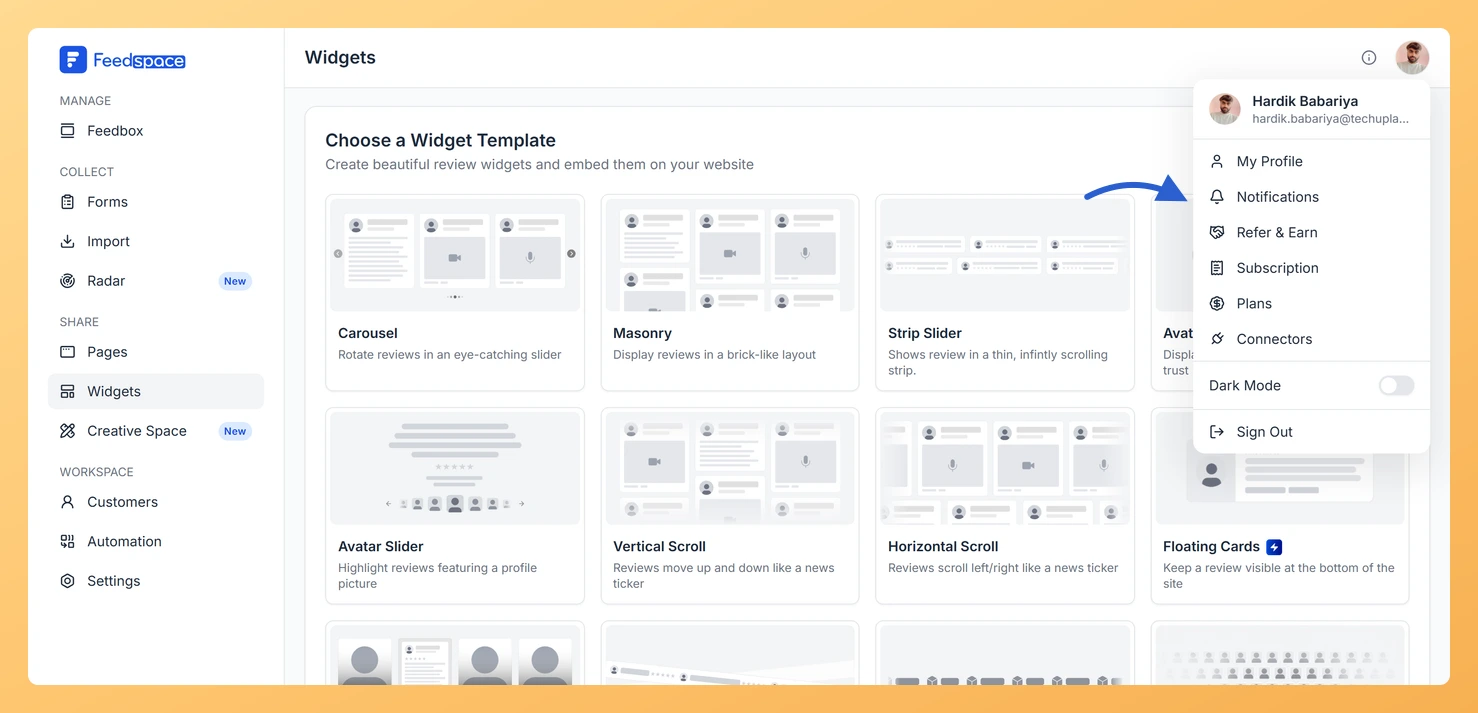
Step 3: Open the Notifications panel
Click Notifications in that menu. Feedspace opens the My Account window on the Notification Preferences panel.
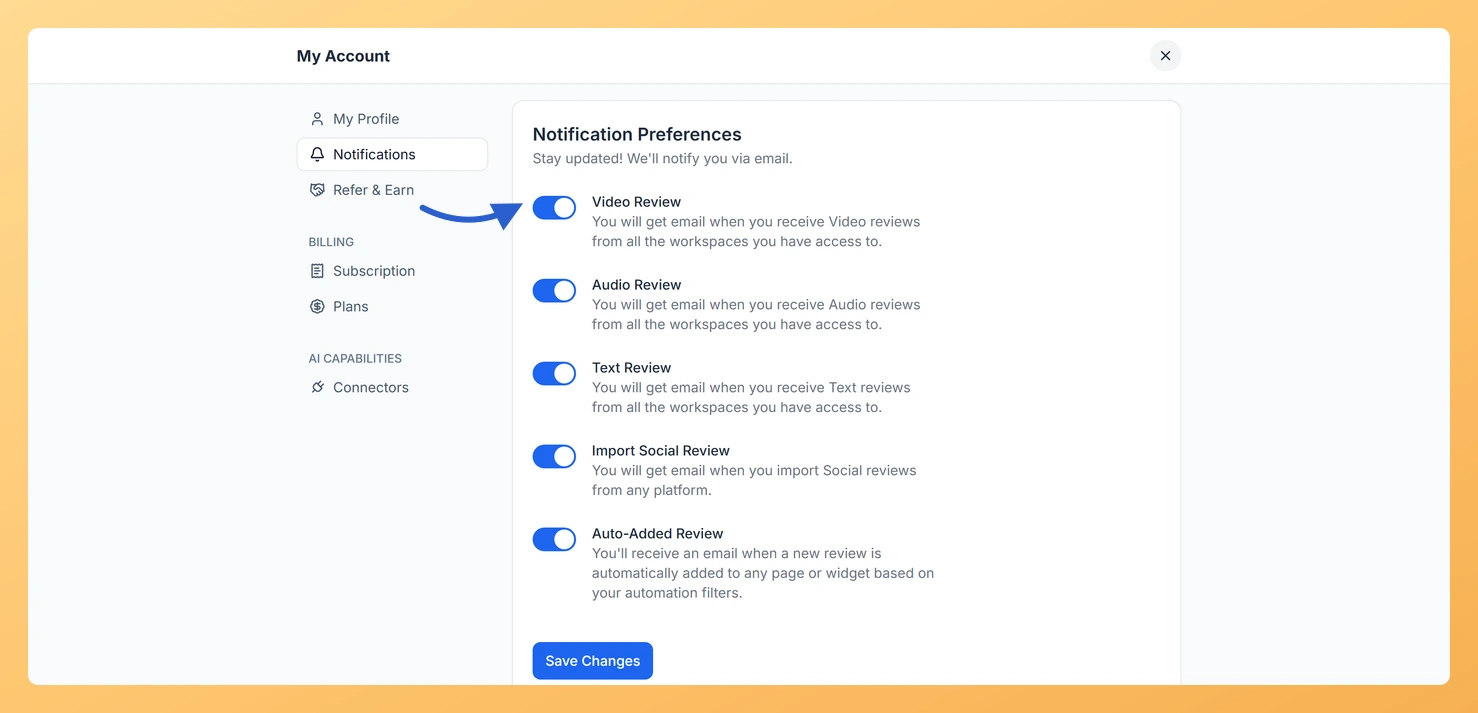
Step 4: Find the Video Review toggle
Find Video Review, the first toggle in the list, and switch it on or off.
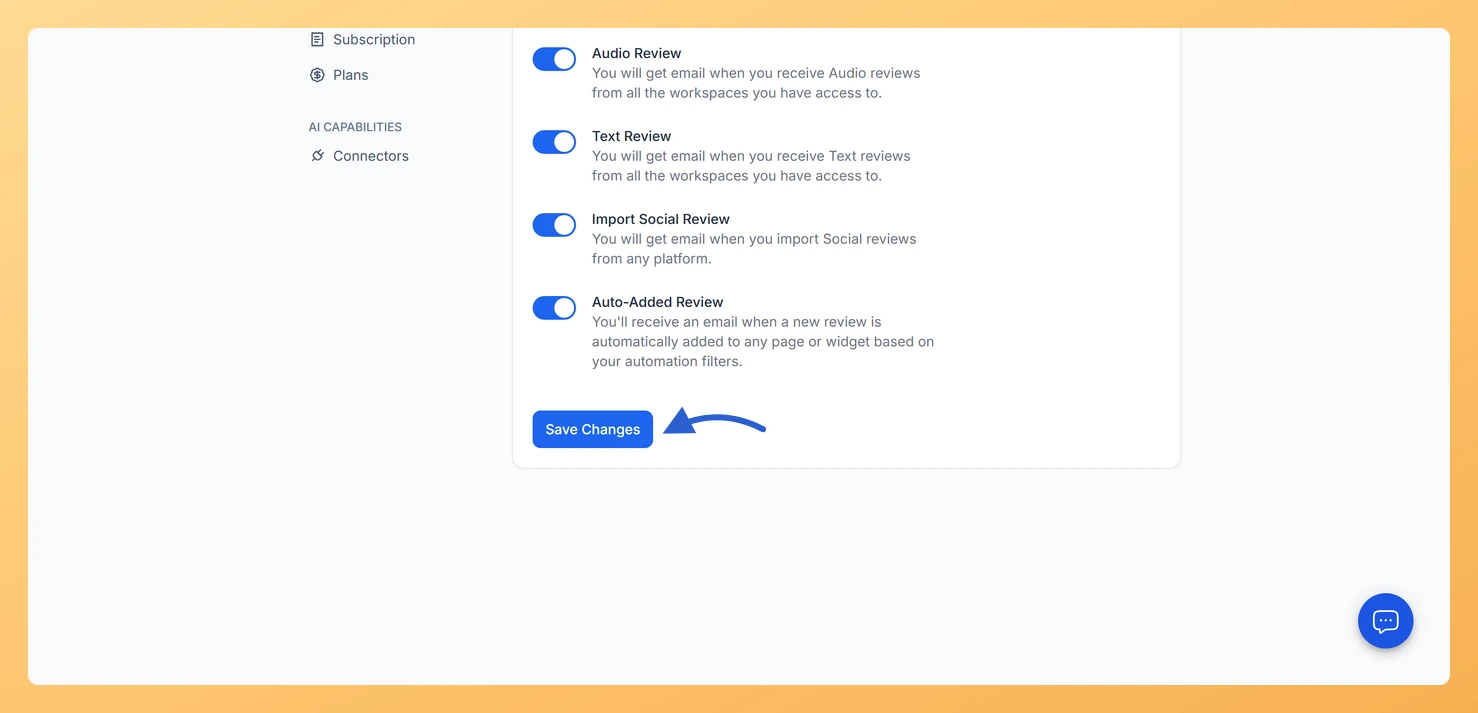
Step 5: Save your preference
Click Save Changes to apply your preference.
The setting is saved at the account level and applies across every workspace you are a member of.
Common questions
Does this notification cover all my workspaces?
Yes. The Video Review Notification is an account-level setting. Once enabled, it sends an email for every video testimonial submitted across all workspaces your account can access.
I enabled the toggle but I am not receiving emails. What should I check?
Confirm you clicked Save Changes after toggling the switch. Also check your spam or junk folder, as notification emails can occasionally be filtered there.
Can I get notified for audio or text testimonials separately?
Yes. Feedspace has separate toggles for Audio Review Notifications and Text Review Notifications on the same Notifications tab, so you can mix and match based on your workflow.
You might also find helpful
Learn More About Notification Settings in Feedspace
Accessing notification settings Log into Feedspace Sign in with your account credentials. Open the profile avatar menu Click your profile avatar at the top-right of the header to open the menu, then click Notifications. This opens the My Account modal on the Notifications tab. Notification preferences All notifications are sent...
What Is the Audio Review Notification in Feedspace?
Overview The Audio Review notification is the Audio Review toggle in Feedspace, on the Notification Preferences panel of your My Account settings. When it is switched on, Feedspace sends you an email every time someone submits an audio testimonial through any of your review forms, across all workspaces you have...
What Is the Text Review Notification in Feedspace?
Overview The Text Review Notification is a toggle in Feedspace that controls whether you receive an email each time someone submits a written text testimonial through any of your review forms. It is found in My Account, under the Notifications tab, and applies at the account level across all workspaces...