Feedspace gives you full control over which reviews appear in your widget. You have two options: a manual method using the Search and Filter tab, or an Automation method that keeps your widget updated as new 5-star reviews arrive.
Showing only your best-rated reviews
Feedspace lets you choose exactly which reviews appear in your widget through the Select Reviews tab in your widget editor. You have two great options for limiting the display to 5-star reviews: filtering and selecting manually, or using Automation to handle it for you automatically.
Displaying only 5-star reviews on a homepage widget is one of the most effective ways to maximise the trust impact of your social proof. Visitors immediately see your strongest endorsements, and every review shown reinforces confidence in your product or service.
Option 1: Filter and pick them yourself
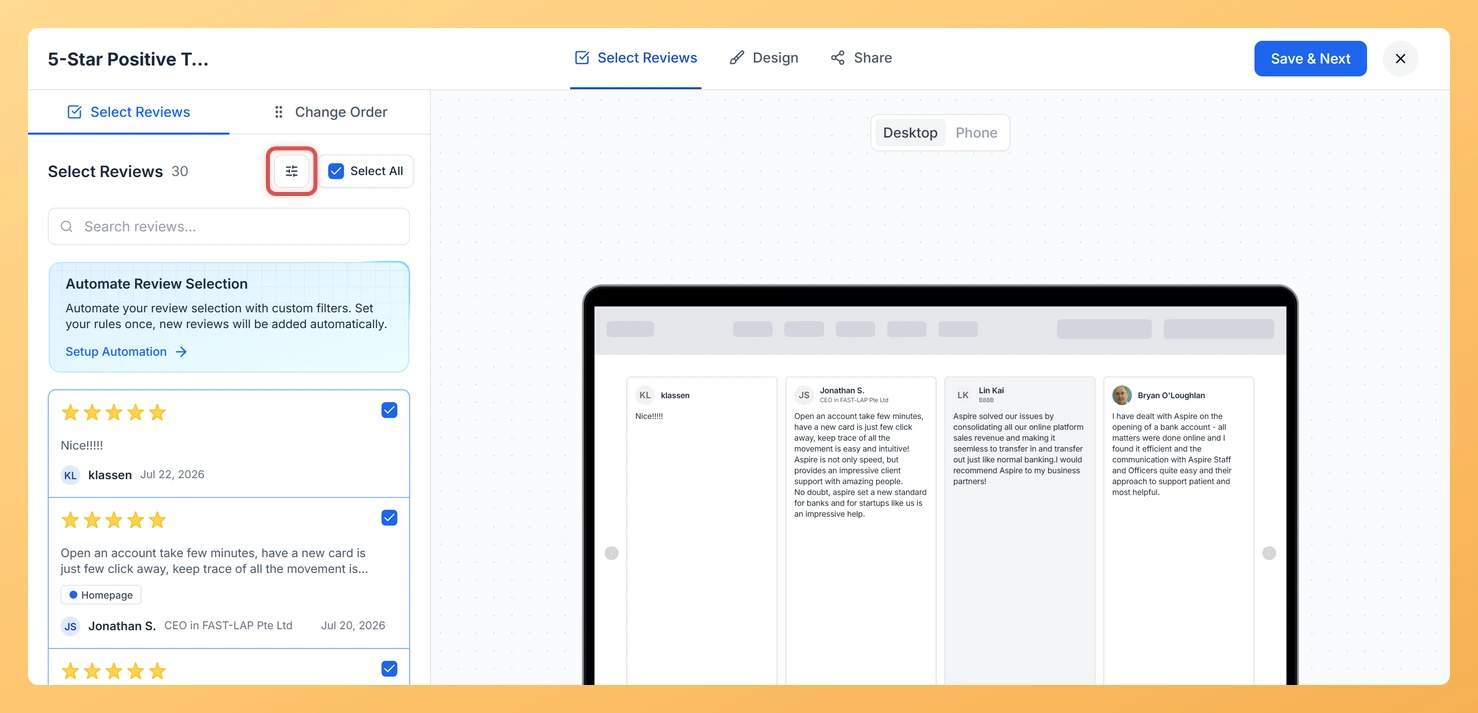
This approach is ideal when you want to hand-pick which 5-star reviews to feature. Use the Search and Filter tab inside Select Review to narrow the list to 5-star ratings, then select the reviews you want.
Open your widget editor and go to the Select Reviews tab.
Open the Search and Filter options and set the Star Rating filter to 5 stars. The list will refresh to show only your 5-star reviews.
Select all filtered results, or tick individual reviews you want to feature.
Save the widget. Only the reviews you selected will appear in the widget on your site.
Option 2: Let automation keep it current
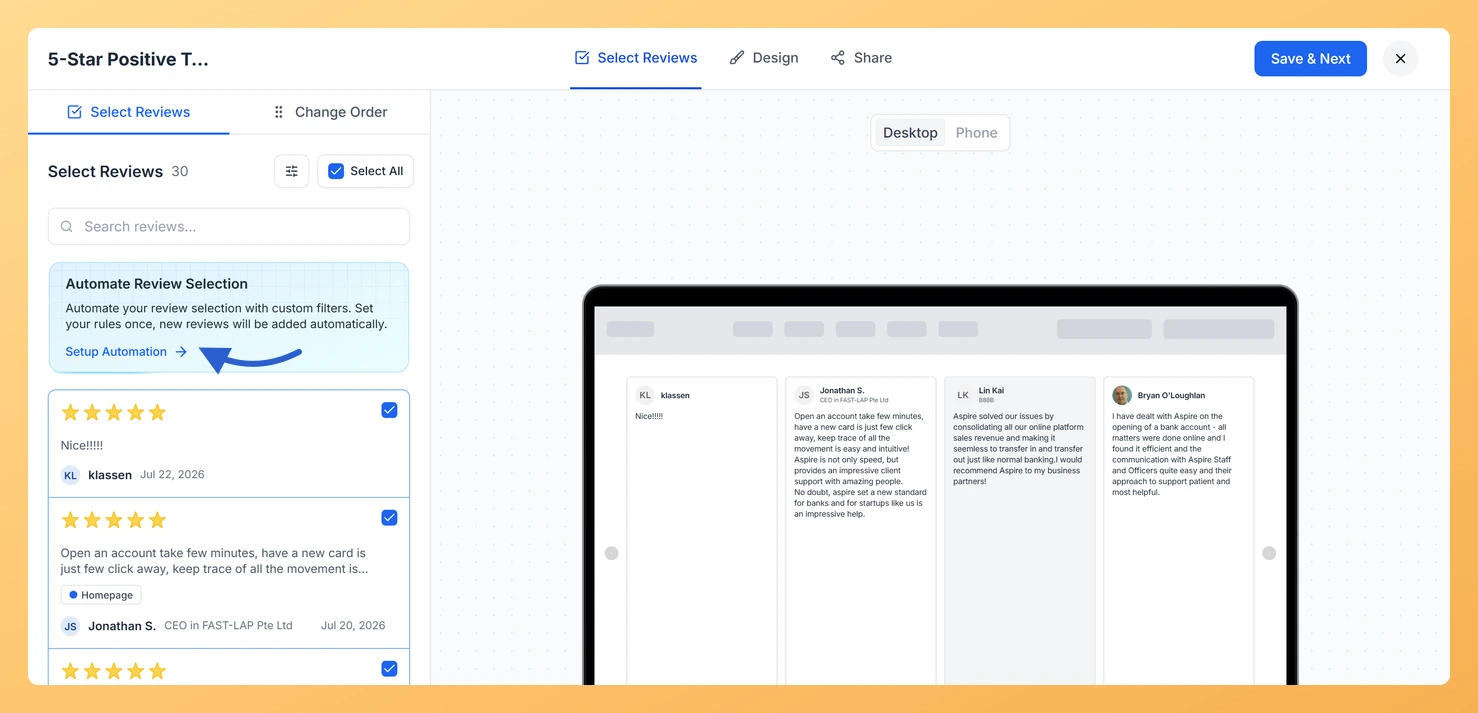
This approach is perfect if you collect reviews regularly and want your widget to stay current without any manual work. When Automation is enabled with a 5-star filter, every existing 5-star review is added to the widget right away, and every new 5-star review you collect in the future is added automatically.
Open your widget editor and go to the Select Reviews tab.
Enable the Automation toggle.
Set the Star Rating filter to 5 stars in the Automation criteria.
Save the widget. All current 5-star reviews are selected immediately, and future 5-star reviews will be added to the widget as they come in.
What’s next
Open your widget editor, go to the Select Reviews tab, and apply the 5-star rating filter to select your top reviews manually right now.
Enable Automation with the 5-star filter so all future 5-star reviews are added to your widget automatically without any extra steps.
Do new five star reviews appear in the widget on their own?
Only if the widget is set to add reviews automatically. Otherwise the selection stays as you left it and you add new ones yourself.
You might also find helpful
How Do I Use Automation to Auto-Select Reviews on My Carousel Widget in Feedspace?
Overview The Carousel widget in Feedspace slides through your reviews in a continuous loop, showing one or a few cards at a time. Because visitors see each card for only a few seconds as it scrolls past, it matters more than ever that every review in the rotation is high...
How Do I Search and Filter Reviews for My Carousel Widget in Feedspace?
Overview The Carousel widget in Feedspace displays your reviews as a smooth, horizontally sliding loop, cycling through one or a few cards at a time. Because the Carousel presents each review as a standalone card in full view, the quality of what you include matters more here than in a...
How Do I Select Reviews for My Carousel Widget in Feedspace?
Overview The Carousel widget in Feedspace displays your reviews as a smooth, horizontally sliding loop, showing one or a few cards at a time and cycling through them continuously. Because the Carousel plays through reviews in sequence, the specific reviews you include have a direct impact on how engaging and...