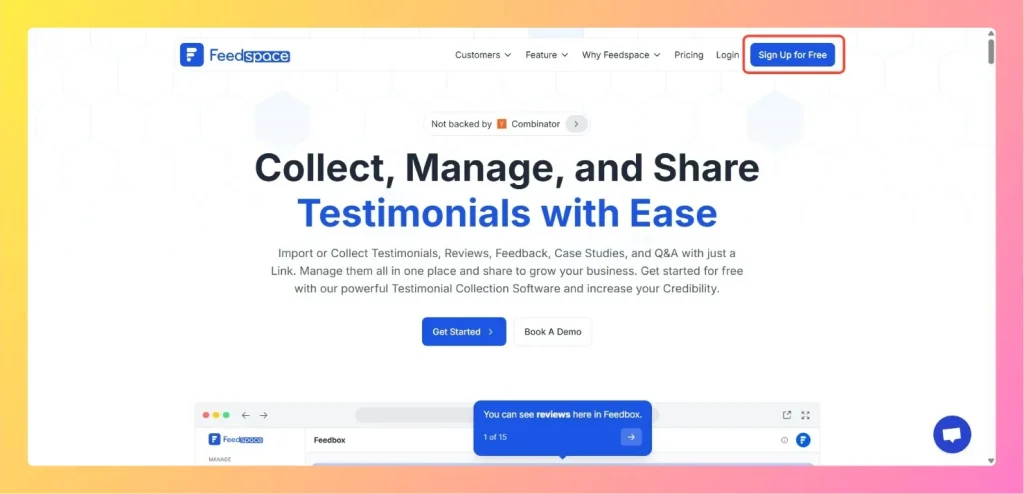
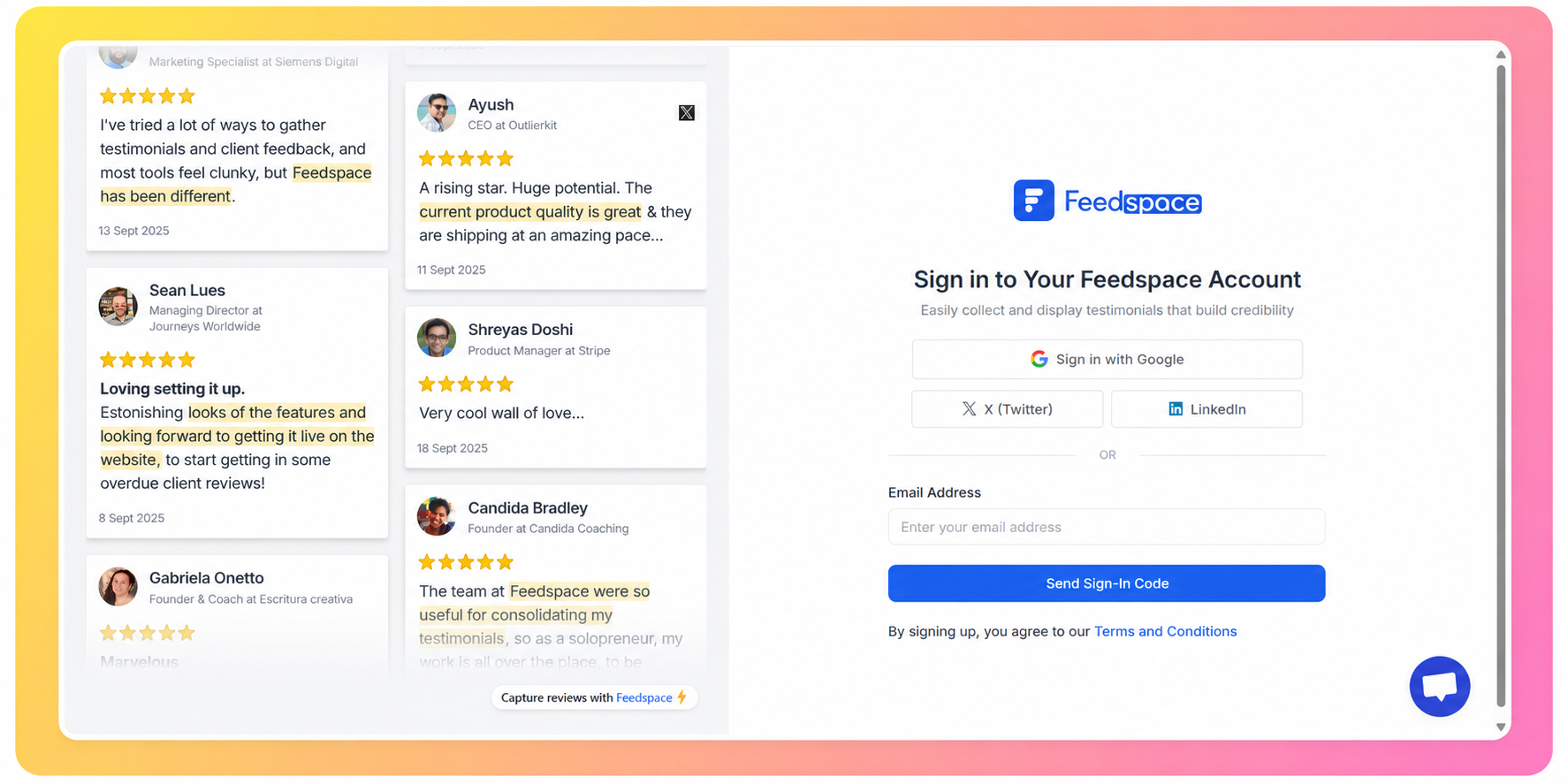
Enter your email address in the sign-up form, and you’ll receive a verification code in your inbox.
Step 4: Get started
After entering the 6-digit verification code, you’ll be signed in to your account. You’ll be all set to explore and start using the platform’s features!
If your sign-in code doesn’t arrive
The 6-digit code usually lands in your inbox within a minute. If you don’t see it, work through these checks before trying again.
Check your spam, junk, and promotions folders. The email can be filtered there.
Confirm you typed the correct email address, the same one you signed up with. On the code step you can click the Back arrow next to your email to return to the email step and re-enter it.
Wait about a minute, then click Resend below the code field to get a fresh code. The link counts down for 60 seconds before you can request another.
If it still doesn’t arrive, reach out to support@feedspace.io and we’ll help you get signed in.
Common questions
I didn’t get my sign-in code, what should I do?
First check your spam and promotions folders, since the email can be filtered there. Make sure you entered the correct email address, then wait about a minute and click Resend below the code field. If the code still doesn’t show up, email support@feedspace.io.
I got an “email not recognized” message, what went wrong?
This usually means the address you entered doesn’t match the one tied to your account. Double-check for typos and use the same email you signed up with. Click the Back arrow on the code step to return to the email field and enter the correct address.
You might also find helpful
How to Update Your Profile in Feedspace
Overview Updating your profile on Feedspace ensures your information is accurate and personalized. Follow the steps below to manage your profile. Step 1: Go to My Account Once logged into your dashboard, click on your profile icon (top right corner) and select My Account from the menu. Step 2: Open...
How to Invite a Team Member to Feedspace
Overview Inviting team members to your Feedspace workspace lets other people help collect and manage your reviews. You send an invitation to their email address and choose what they are allowed to do once they are in. An agency taking on a new client is the usual case: the account...
Learn More About Notification Settings in Feedspace
Accessing notification settings Log into Feedspace Sign in with your account credentials. Open the profile avatar menu Click your profile avatar at the top-right of the header to open the menu, then click Notifications. This opens the My Account modal on the Notifications tab. Notification preferences All notifications are sent...