Feedspace connects to Giftogram through Zapier, so a gift card can be sent automatically the moment a new testimonial is collected. You set up a Zap once, and from then on every new review can trigger a thank-you gift without anyone sending it by hand.
This is useful when you want to reward customers who leave a video or written testimonial. Instead of tracking new reviews and emailing gift cards manually, you let Zapier watch Feedspace and hand each new testimonial to Giftogram for delivery.
Automation through Zapier is available on the Professional and Business plans in Feedspace and uses your Automation Secret Key to connect.
Step 1: Connect Feedspace as the trigger
Log in to your Zapier account. Click + Create, then select Zaps.
Click the Trigger block. A search box opens. Type Feedspace and select it from the results.
Choose New Testimonial as the trigger event.
In the Account field, click Sign in. A popup opens. Paste your Feedspace Automation Secret Key into the API Key field and click Connect. To find your key, log in to Feedspace, click Automation in the left sidebar, and copy the Automation Secret Key.
Test the trigger so Zapier can pull a sample testimonial.
Step 2: Add a filter (optional)
If you only want to send a gift for certain testimonials, add a Filter by Zapier step. For example, set the condition Testimonial Type exactly matches Video so only video testimonials continue to the gift action.
Step 3: Connect Giftogram as the action
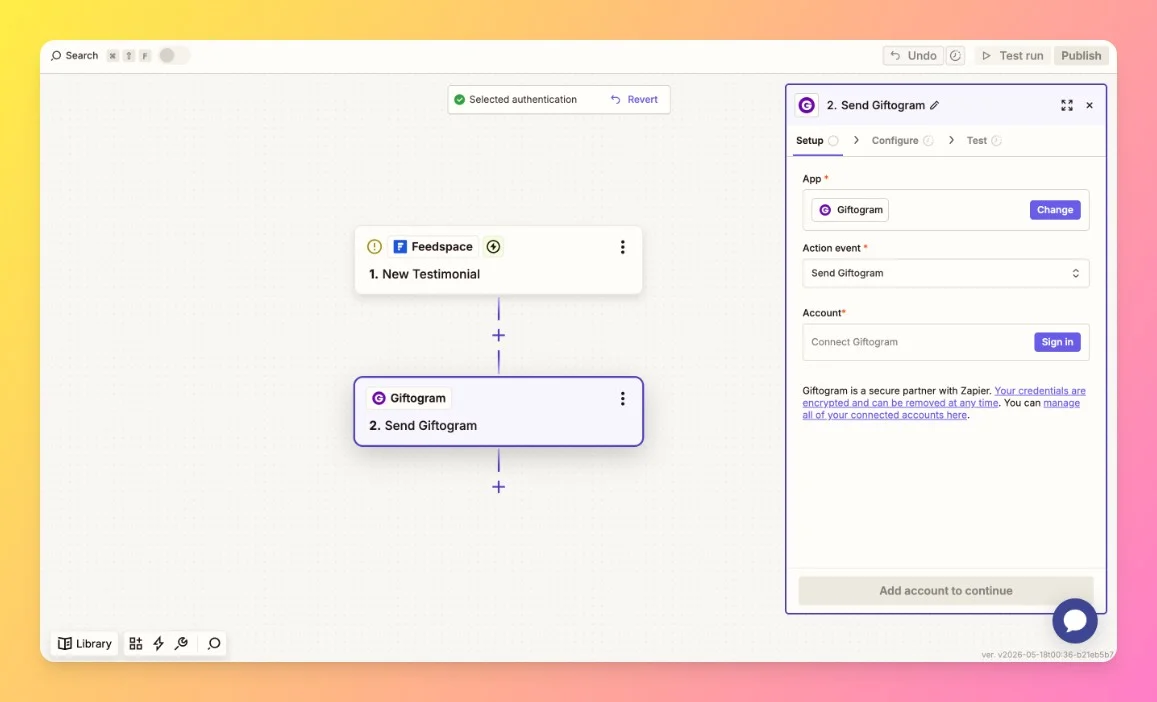
Add an action step and select Giftogram as the app.
Choose the action event for sending a gift.
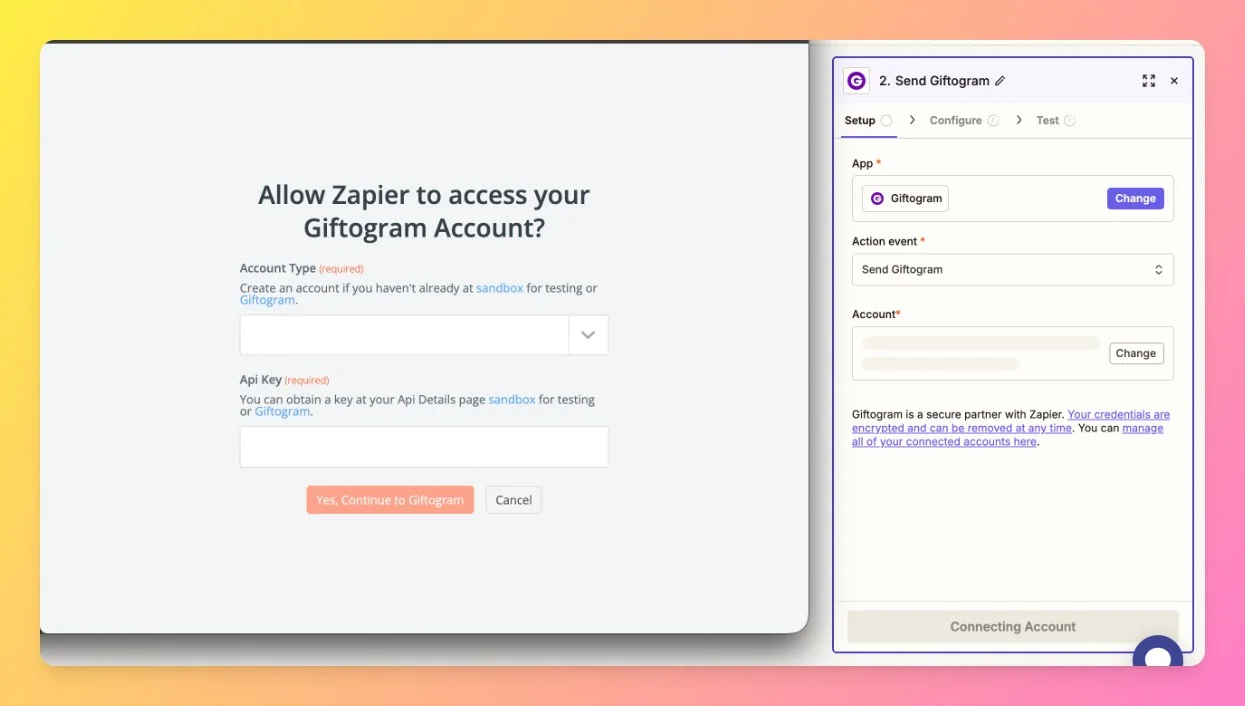
Connect your Giftogram account when Zapier asks you to sign in and authorize access.
Map the testimonial fields from Feedspace to the Giftogram fields, such as the recipient name and email, then test the action.
Step 4: Turn on your Zap
Once the test succeeds, click Publish. From now on, every new testimonial received in Feedspace triggers a gift card to be sent through your Giftogram account, so you can thank reviewers right away.
What’s next
With gift sending running on its own, you can put the new testimonials to work. Learn what automation in Feedspace can do, or set up another Zap to post reviews to your team channels.
Common questions
Where do I find my Feedspace Automation Secret Key?
Log in to Feedspace, click Automation in the left sidebar, and copy the value from the Automation Secret Key field. If you have not created one yet, click Generate Automation Secret Key first.
Can I send gifts for only some testimonials?
Yes. Add a Filter by Zapier step before the Giftogram action and set a condition, such as the testimonial type or rating, so a gift is sent only when that condition is met.
Will old testimonials trigger a gift when I turn the Zap on?
No. The Zap runs on new testimonials collected after it is turned on. Reviews you received before that are not sent to Giftogram.
You might also find helpful
How Do I Automate Discord Notifications with Zapier?
Overview Feedspace integrates with Discord through Zapier, letting you automatically send channel messages whenever new testimonials are received. This keeps your Discord community or team instantly updated without needing to check Feedspace manually. Automation through Zapier is available on Professional and Business plans in Feedspace, and requires an API key...
How Do I Automate Notion Notifications with Zapier?
Overview Feedspace connects to Notion through Zapier, letting you automatically submit testimonials to Feedspace whenever a new item is added to a Notion database. This removes manual data entry and keeps your testimonial collection in sync with your Notion workspace. Automation through Zapier is available on Professional and Business plans...
How Do I Back Up Feedspace Video Testimonials to Dropbox with Zapier?
Overview Connect Feedspace to Dropbox via Zapier to auto-upload each new video testimonial into a Dropbox folder. This gives you an off-platform backup and makes it easy to share files with your team. Automation through Zapier is available on Professional and Business plans in Feedspace, and requires an API key...